Slow-motion advance (16x 1x)
Fast-forward advance (1x 16x)
Minimise time scale section
Maximise time scale section
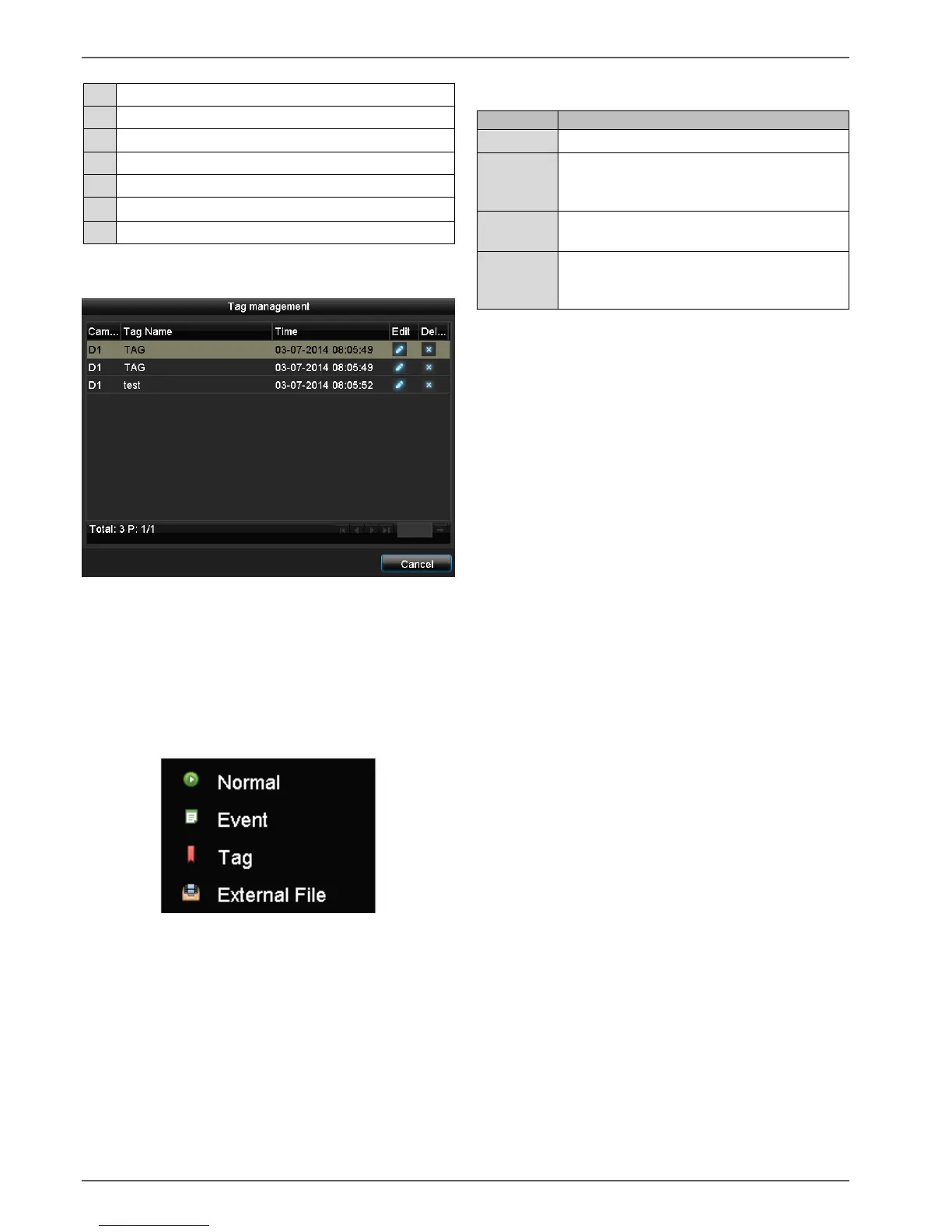
Please klick on ‚Tag management‘ (6):
In order to change the description of your marking,
click on the process symbol. To remove, click on the
delete symbol.
Selecting playback type
By selecting the type of playback (5), various types of re-
cordings and events can be displayed and filtered in the
playback view.
The following menus are available:
Recorded video data playback
Searching and playing video data which
was recorded by means of motion detec-
tion or alarm input.
Searching and playing video data which
was provided by means of marking.
Searching and playing video data which
was found on an external data storage de-
vice (USB).


 To Next Page
 Loading...












