EasyManua.ls Logo

Abus TVVR45021 - User Manual

Abus TVVR45021
66 pages
Print Icon
To Next Page IconTo Next Page
Loading...
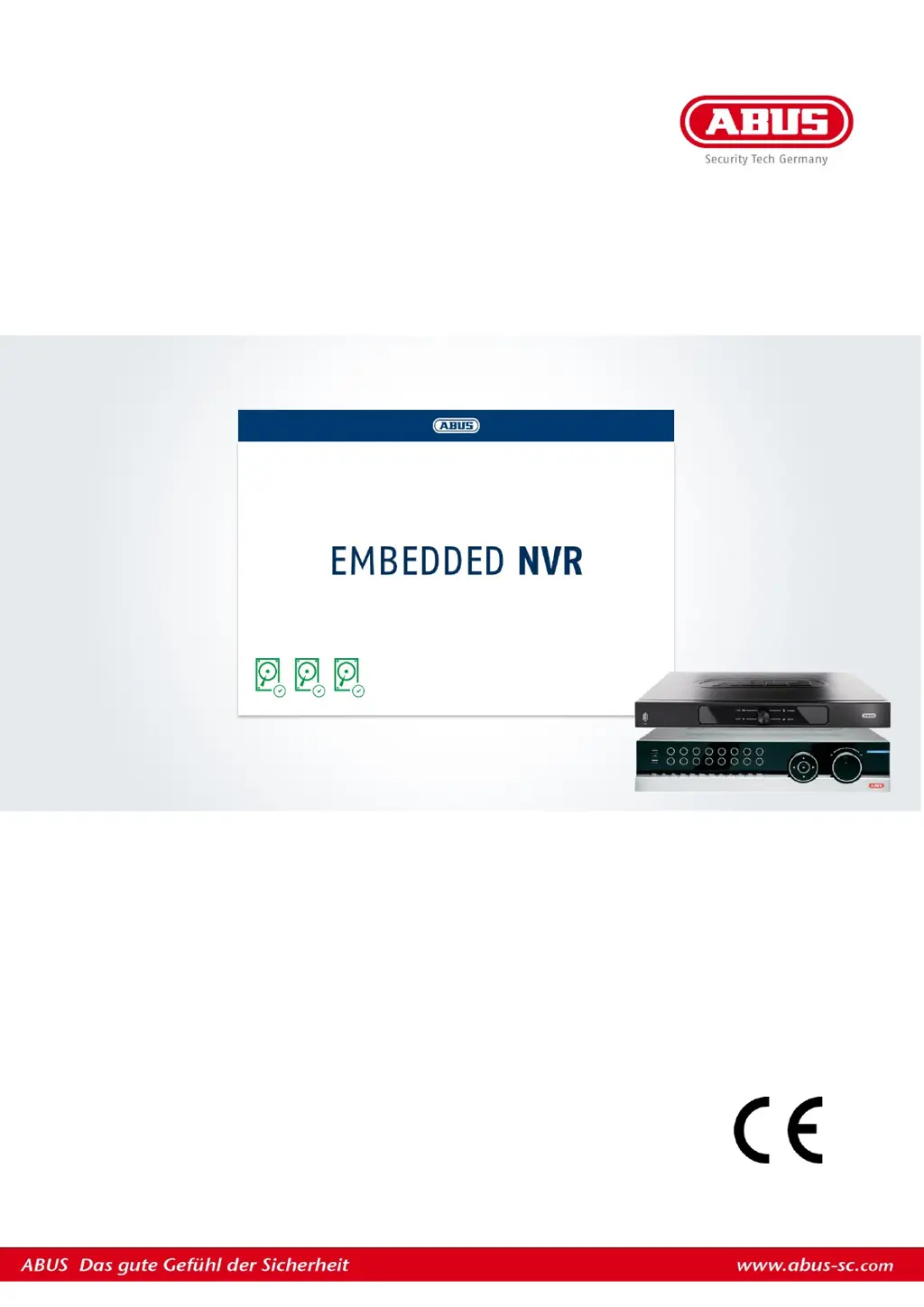
ABUS embedded NVR
Local user interface user guide
Date: 04.05.2016
Firmware: 3.3.4

Table of Contents

Other manuals for Abus TVVR45021

Questions and Answers

  • C
    christopher62Aug 14, 2025
    What to do if my Abus DVR has no power?
    • J
      john66Aug 14, 2025
      If your Abus DVR has no power, first ensure the mains cable is securely connected to the socket. Then, check that the power switch is turned to the 'ON' position. Finally, verify that the power socket is working by testing it with another device.
  • J
    Jessica KellyAug 17, 2025
    Why is there no image on my Abus TVVR45021 DVR?
    • D
      dlewisAug 17, 2025
      If there is no image on your Abus DVR, make sure that your screen is set to receive the correct video input mode until you see the recorder's image. Also, check that the video cable is securely connected and that the connected monitor is switched on.
  • D
    David ZimmermanAug 21, 2025
    What to do if the remote control for my Abus TVVR45021 is not working?
    • L
      Leslie HowardAug 21, 2025
      If the remote control for your Abus DVR isn't working, first replace the batteries, ensuring they are inserted with the correct polarity, and point the remote at the sensor on the device. If that doesn't work, make sure you are within 7 meters of the device and that there are no obstructions blocking the signal. Also, switch off any strong fluorescent lighting nearby.
  • M
    Mrs. Carrie Sanders MDAug 25, 2025
    Why is there no sound on my Abus DVR?
    • K
      Kristen CaldwellAug 25, 2025
      If you're not getting any sound from your Abus DVR, first ensure the audio cables are securely connected. Check that any devices connected via the audio cables are switched on. If the problem persists, the audio connection cable may be damaged and need replacing.
  • L
    Lawrence HernandezAug 28, 2025
    How to fix HDD not working on Abus TVVR45021?
    • D
      douglas36Aug 28, 2025
      If the HDD in your Abus DVR isn't working, begin by checking that the connection cables are securely connected. If the issue persists, the HDD might be defective or incompatible with the system; in this case, replace it with a recommended HDD.
  • J
    James MoonAug 30, 2025
    What to do if recording is not possible on Abus TVVR45021 DVR?
    • L
      loriwoodsAug 31, 2025
      If recording is not possible on your Abus DVR, you may need to install and initialise the HDD.
  • M
    Mario BaileySep 3, 2025
    Why does my Abus DVR suddenly deactivate?
    • V
      Victor HernandezSep 3, 2025
      If your Abus DVR suddenly deactivates, it could be due to the temperature inside the device being too high. Clean the device and remove any obstructions from the ventilation area to resolve this.
  • A
    Anthony DixonSep 6, 2025
    How to fix USB port not working on Abus TVVR45021 DVR?
    • L
      Lynn WatsonSep 6, 2025
      If the USB port on your Abus DVR isn't working, the connected device may not be supported. Try connecting a compatible USB medium (USB 2.0). Also, if you're using a USB hub, connect the USB medium directly to the DVR instead.
  • M
    Misty JonesSep 9, 2025
    How to solve network access not possible on Abus TVVR45021?
    • D
      dawn19Sep 9, 2025
      If network access is not possible on your Abus DVR, first connect the network cable securely. If the issue persists, check the network configuration (DHCP, IP address, etc.) and correct it if necessary.

Abus TVVR45021 Specifications

General IconGeneral
ModelTVVR45021
Hard Drive SupportYes
Hard Drive Bays1
Operating SystemEmbedded Linux
Storage CapacityUp to 6TB
Motion DetectionYes
Power Supply12V DC
Video Outputs1
Audio Outputs1x RCA
Network InterfaceEthernet
USB Ports2
Video CompressionH.264
Remote ViewingYes
Operating Temperature-10°C to 55°C

Related product manuals