Camera
37
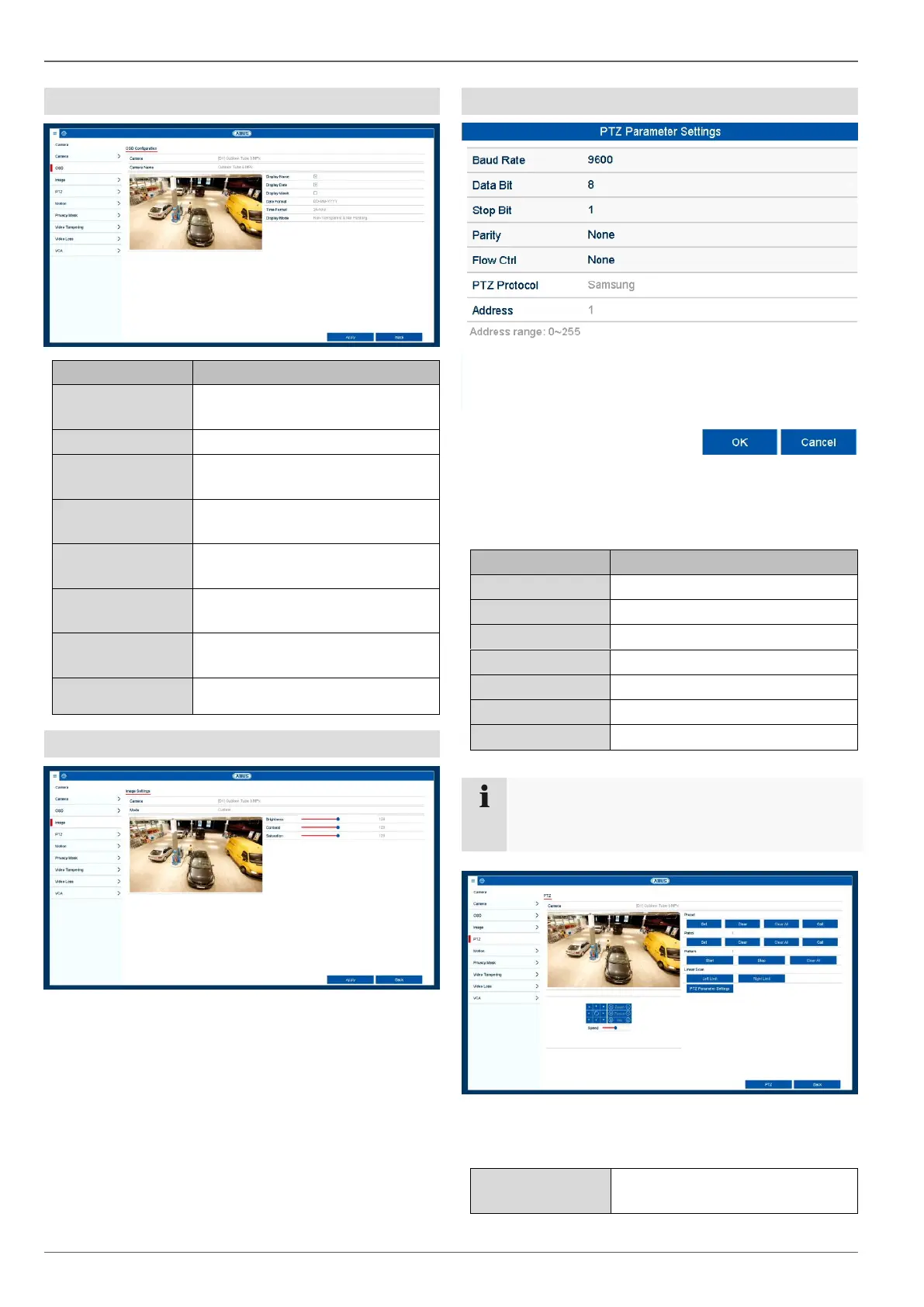
OSD
Selection of the camera channel
to be processed
Allocation of camera name
Activate/deactivate display of
camera name in the live view
Activate/deactivate display of
date in the live view
Display the calendar week for the
playback search
Select the display format for the
date of the playback search
Select the display format for the
time of the playback search
Settings for displaying the cam-
era name and date
Image
Select the camera channel to be processed under "Cam-
era" and adjust the image settings based on the lighting
conditions.
PTZ
Select the camera channel to be processed under "Cam-
era". "Linear Scan" under the menu item "PTZ Parame-
ters" is used for the configuration of a PTZ camera.
Define the transmission rate
These settings are only relevant for cameras with
external PTZ control.
Select the camera channel to be processed under "Cam-
era".
Save and retrieve individual pre-
set positions.



 To Next Page