Playback in live view
21
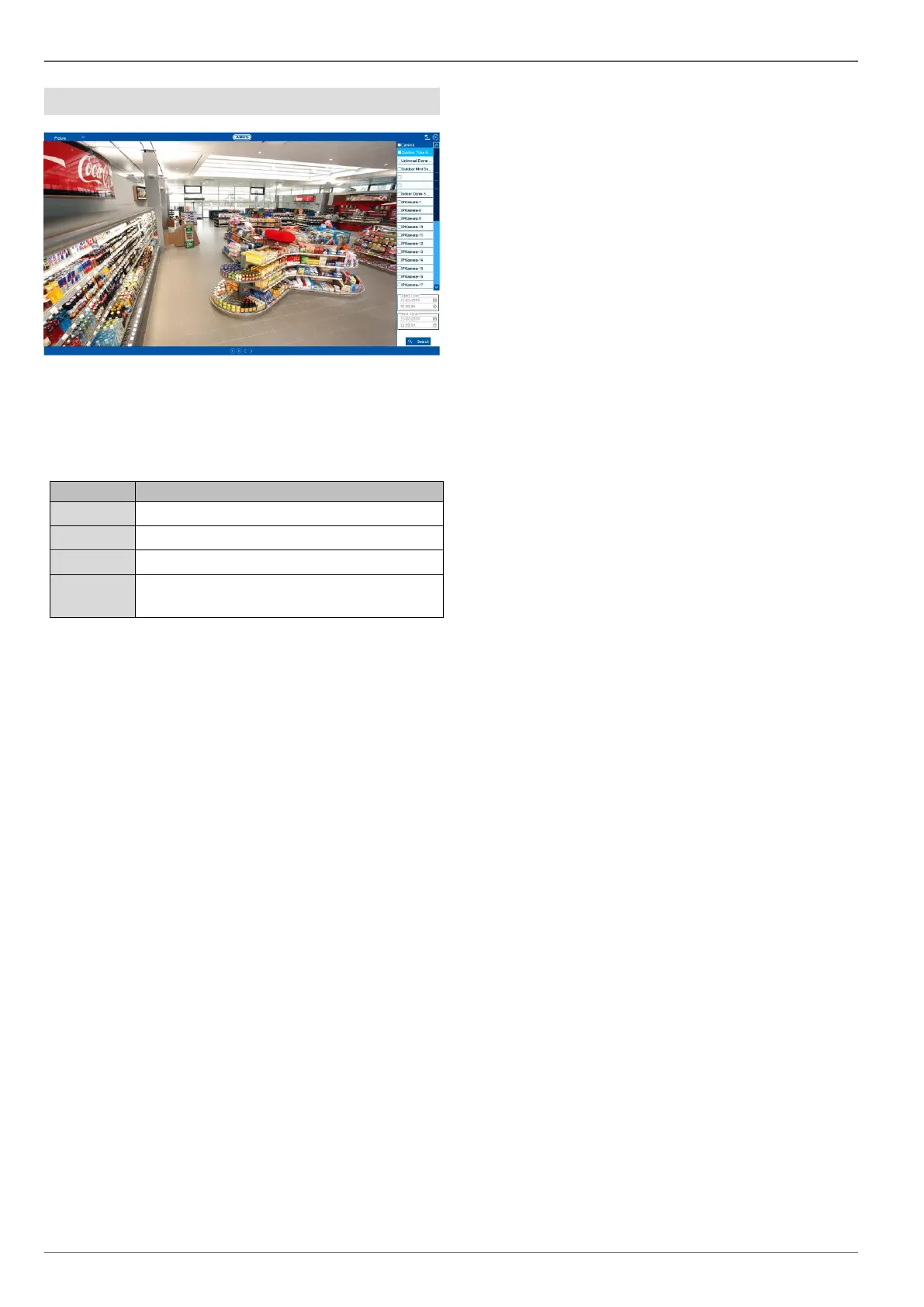
Playback: Image
Using "Image" playback, images saved internally on the
NVR (saved via the snapshot function from the live view,
playback or via time schedule) can be played back.
There are other filters available for the search:
Select one or more camera channels.
Select the start date and start time.
Select the end date and end time.
Start the tag search using the previously
defined filters.
Select an entry from the list of results and start playback
by clicking on the appropriate icon.



 To Next Page