Setup wizard
13
This will delete all data found on the disc.
2. Click on OK to acknowledge the security prompt.
The hard disk drive is set up for use. Progress is
shown on the status bar.
3. Finish the setting with OK and then click on Next.
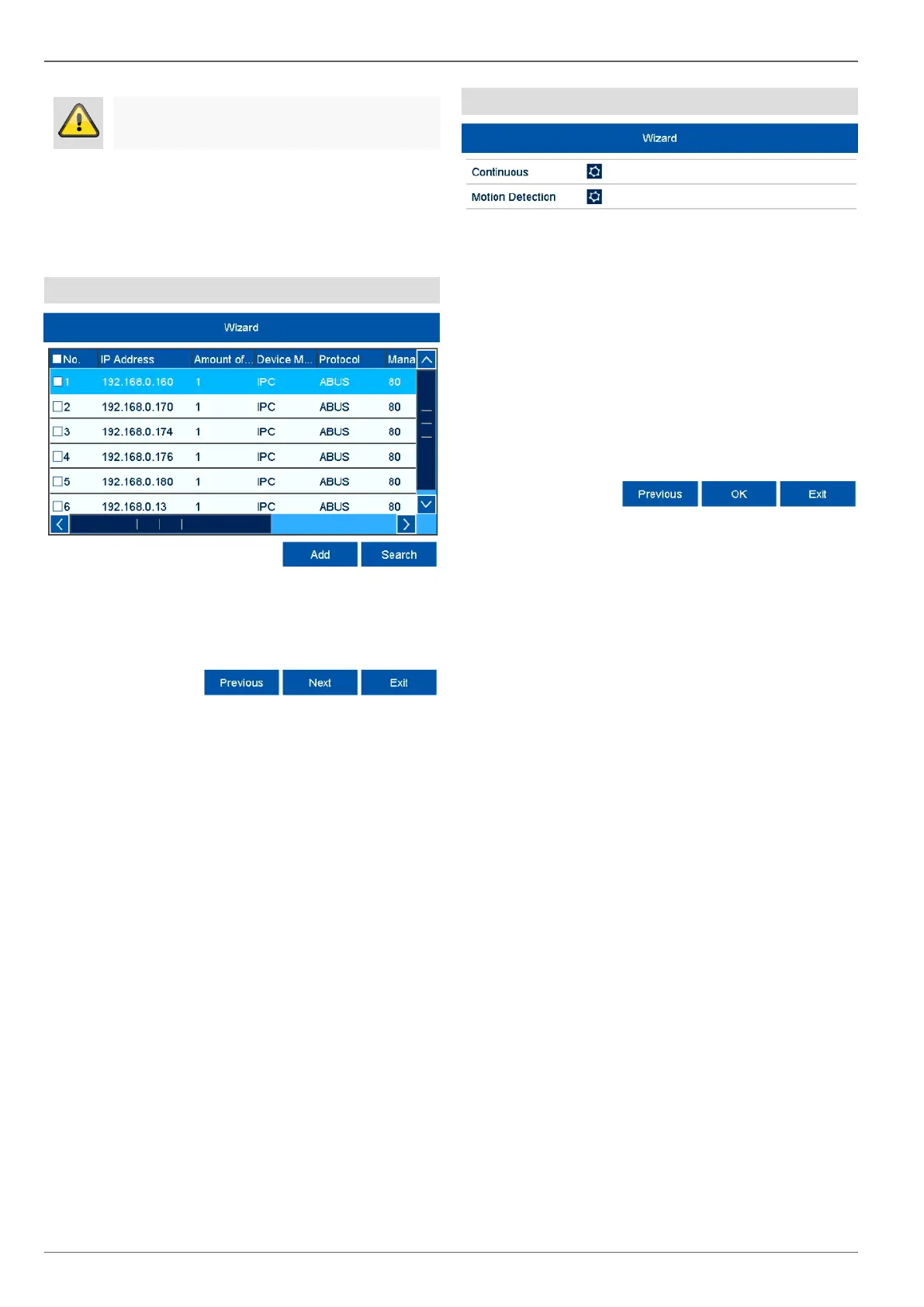
Camera assistant
1. Click on Search to display the cameras on your net-
work.
2. To add network cameras, activate the desired cam-
eras and click on Add.
3. Click on Next to continue with the setup.
Camera recording
1. Select the recording type. It is possible to select be-
tween "Continuous" and "Movement detection".
2. Complete the setting and the setup wizard with OK.



 To Next Page