Setup wizard
11
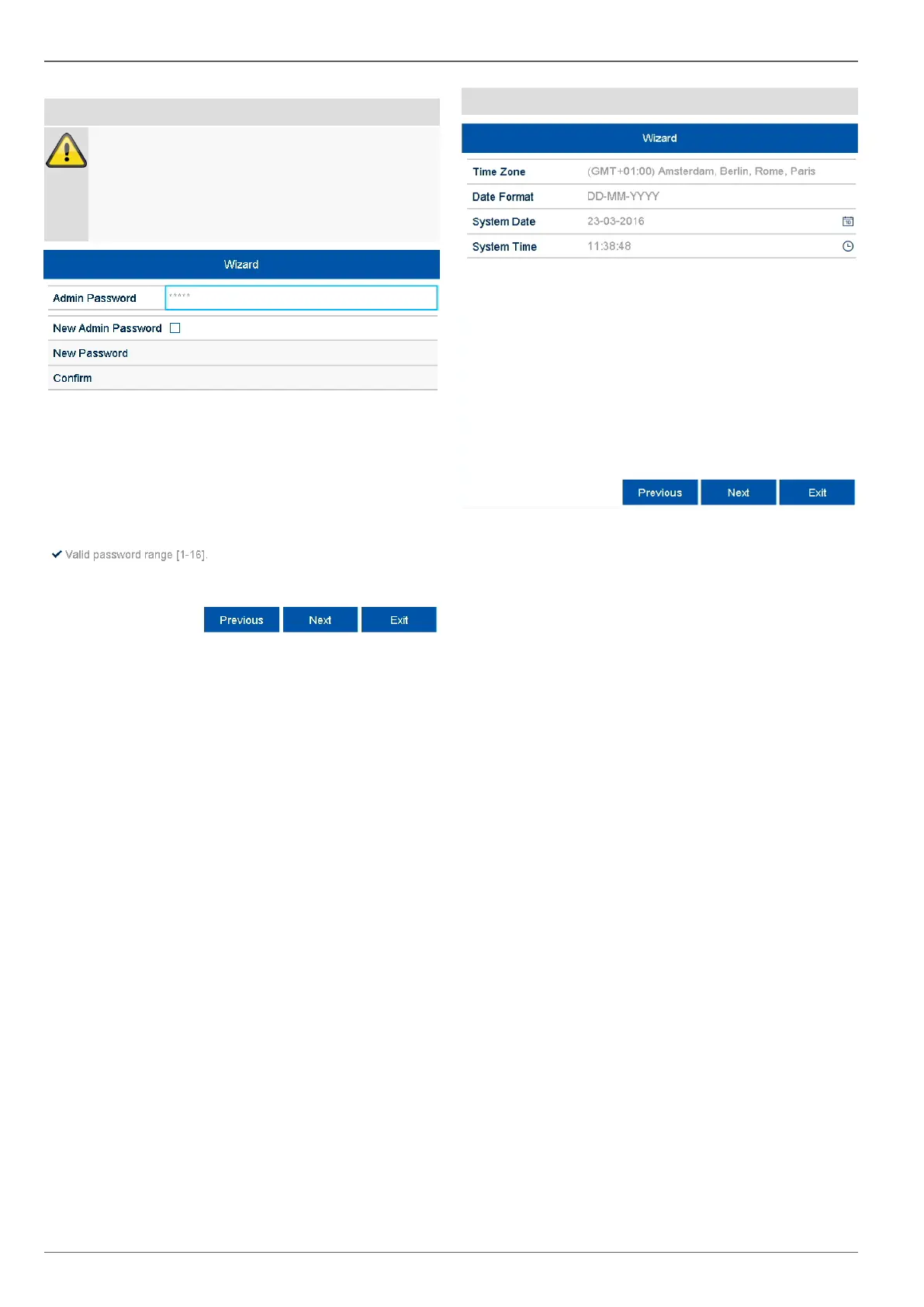
Administrator set up
Note down the admin password.
The preset password is:
"1 2 3 4 5".
Click on the input field and enter the admin pass-
word.
To assign a new password, activate the 'checkbox' in
front of New Admin Password.
Enter the new password and confirm the entry in the
field below.
Click on Next.
System time and date
1. Enter the system time consisting of date and time.
2. Finish the setting by clicking
on Next.



 To Next Page