Panic recording
51
Panic recording
Recording
Press the REC button or navigate to Manual Manage-
ment in the main menu to start manual picture/video re-
cording. The settings are identical for snapshots and so
will only be described once.
If a recording is started manually, it also has to be
stopped manually. All manual recordings will be deac-
tivated when the recorder is rebooted.
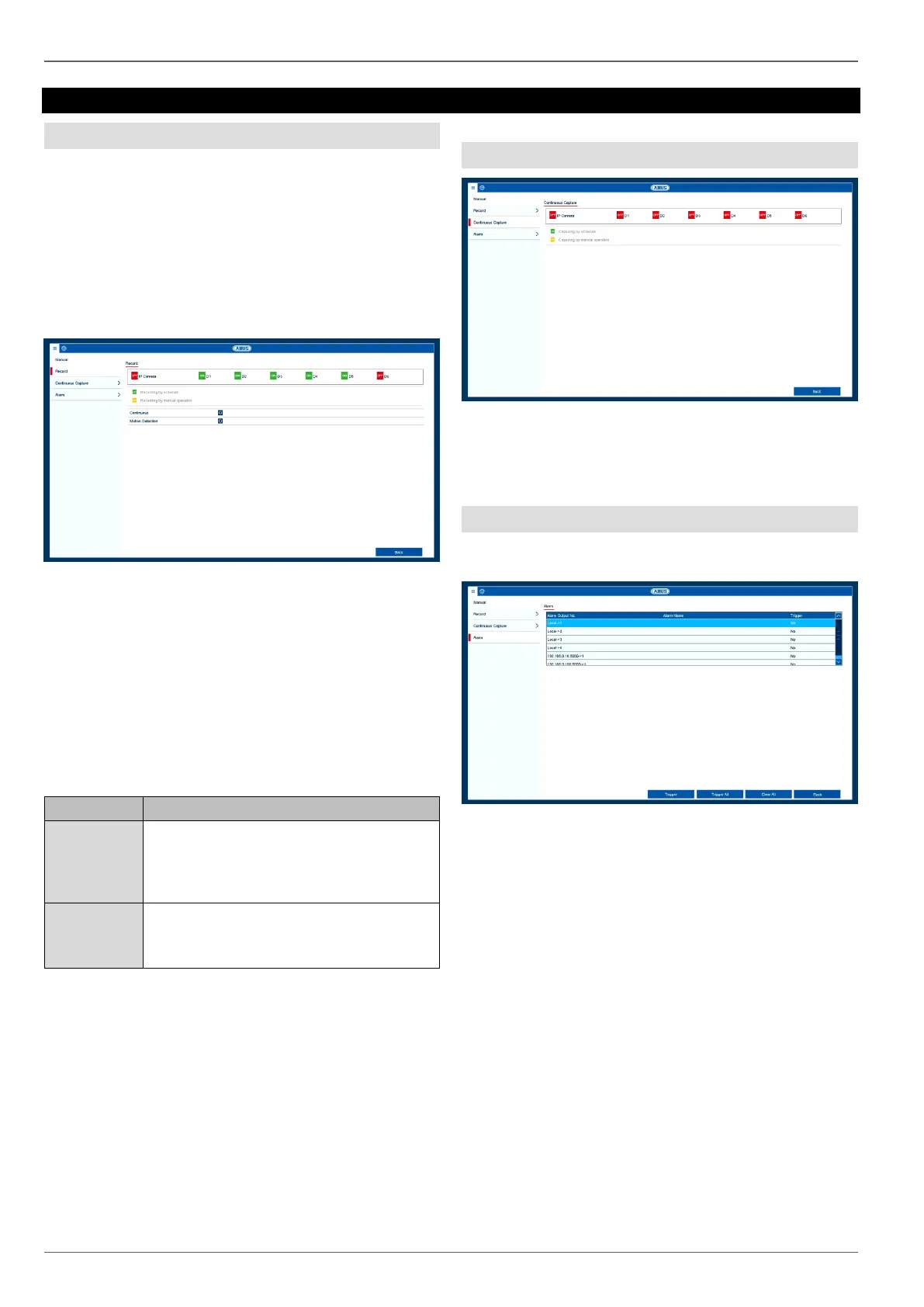
Click on the "Record" submenu.
Select the settings for all cameras. Click on "Off" or "On"
to change the settings.
"On (green)" "Off (red)"
Manually stop recording
"Off (red)" "On (yellow)"
Manual continuous recording
"On (yellow)" "Off (red)"
Manual continuous recording is stopped and if a sched-
ule has been configured for the camera, it will be acti-
vated automatically (green).
Continuous Capture
Click on the camera channel to activate the function.
ON green = snapshots according to time schedule
ON yellow = snapshots captured by manual operation
Alarm
Here you can select the alarm output which should be
switched in the event of manual management.
You can switch several alarm outputs in the event of a
manual response.
Select Trigger to activate the selected alarm output.
Click on Trigger All to activate all of the alarm outputs.
Click on Clear All to remove the settings.
Click on the icon to activate continuous
recording for all channels for the whole
day.
Click on "Yes" to confirm your selection.
Click on the icon to activate motion detec-
tion for all channels for the whole day.
Click on "Yes" to confirm your selection.



 To Next Page