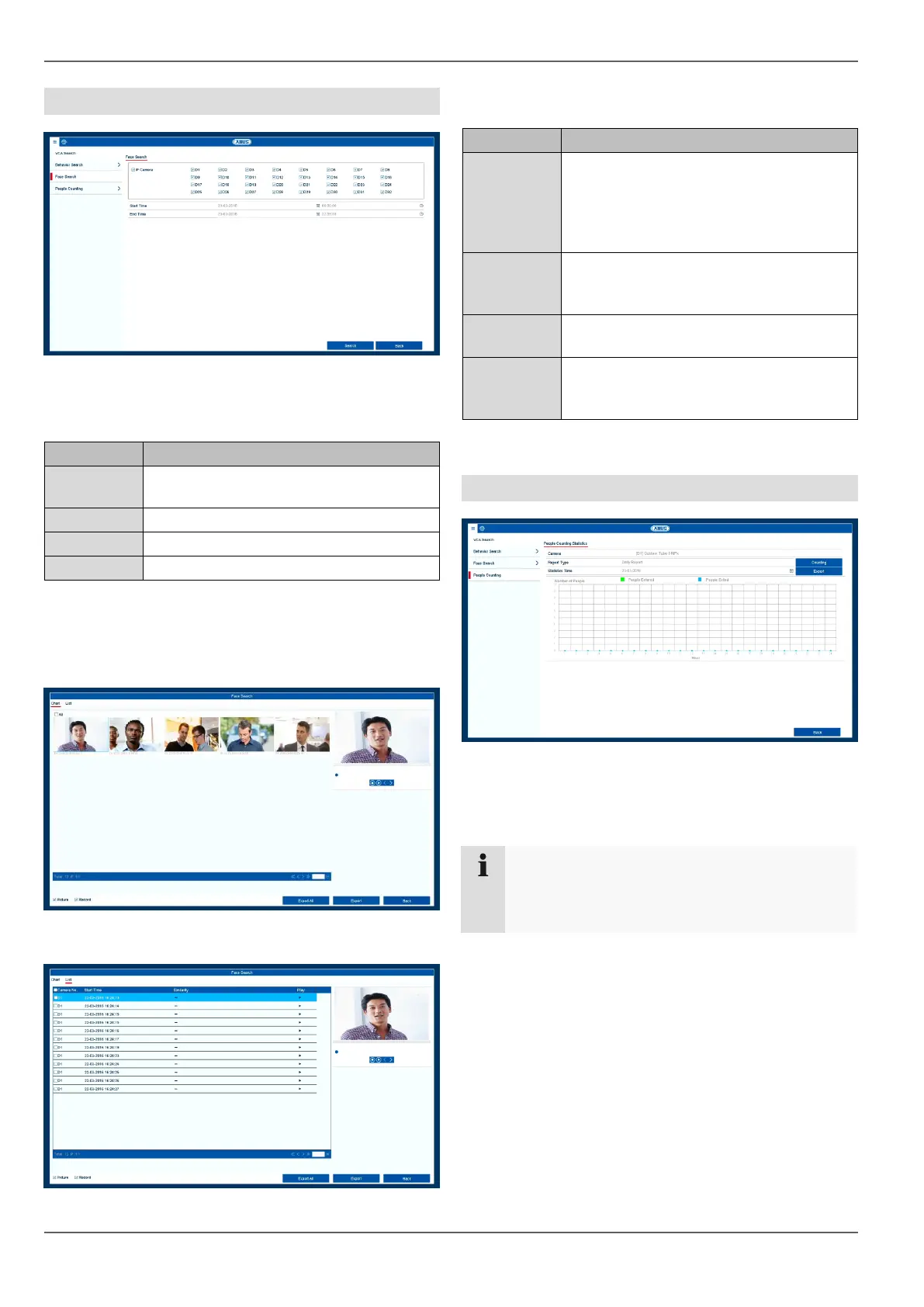
VCA Search
53
Face Search
In the Face Search menu item, "Face Detection" record-
ings can be analysed in a targeted way. The following pa-
rameters can be set for the search:
The search result is displayed in a new window.
Select from a table or a list view.
Face Search: Table view
Face Search: List view
The following options are available in the results search:
People Counting
In the "People Counting" menu item, people counting sta-
tistics can be analysed by IP cameras using "Object
Counting".
Select one or more recorded camera
channels.
Select the recording type.
Select a line by clicking on the Play icon
. The recording is shown in the preview
window (1). Using the playback controls
displayed below the image, the recording
can be played back.
When several pages of results have
been found, navigate through the search
results (2) using the icons << < > >>.
Select one or more recordings by clicking
on the checkboxes in the results list (3).
Export all selected data to an external
data storage device using the button "Ex-
port"/"Export All" (4).
Make sure that "Object Counting" recording inside
the IP camera has been set up beforehand. Re-
cording in the IP camera requires an SD card.



 To Next Page