VCA Search
54
The following parameters can be set for the search:
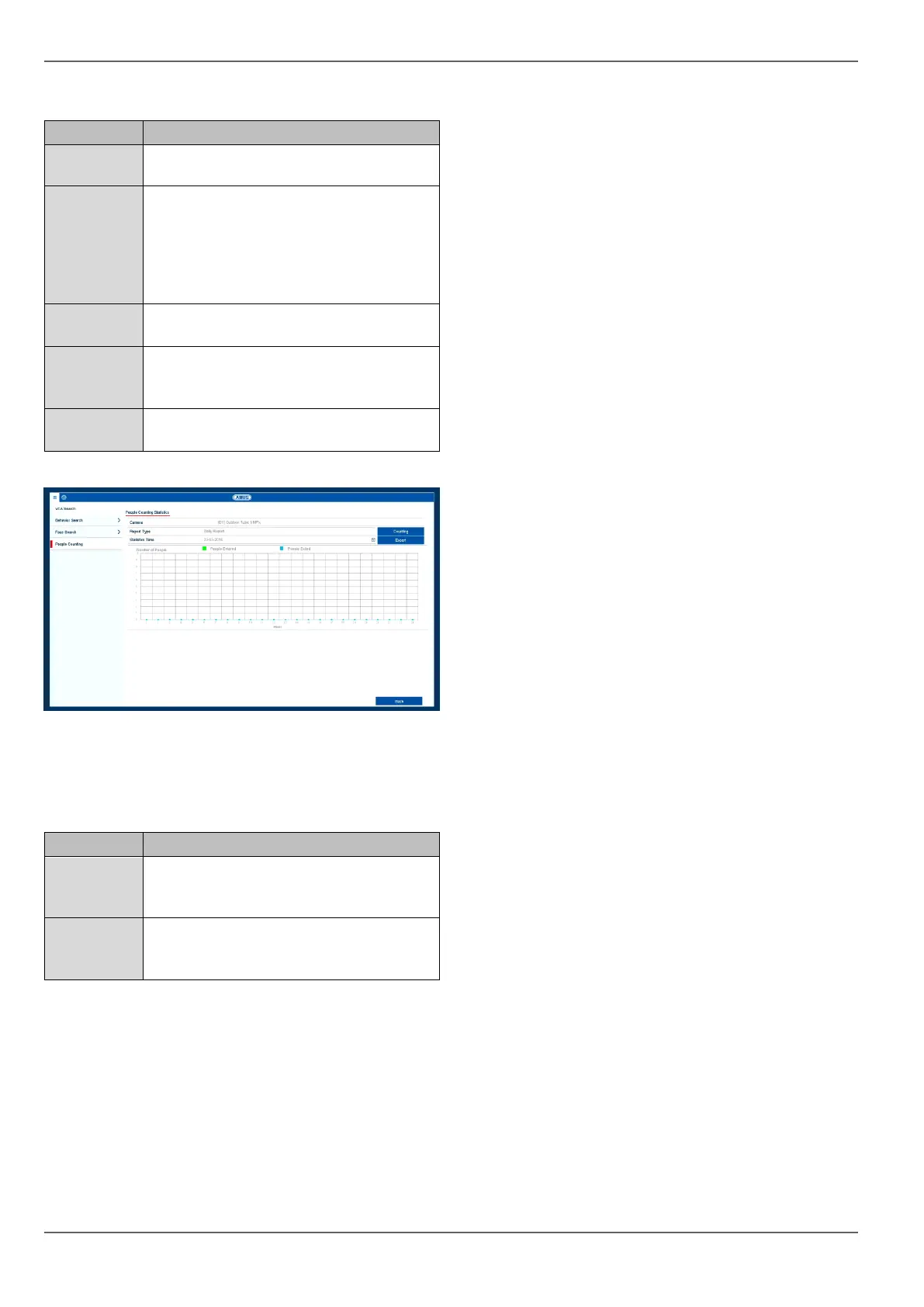
In the results graph, the counters for "People Entered"
and "People Exited" are displayed in accordance with the
pre-set parameters.
Select a camera with the Object Count-
ing" function enabled.
Select the report type here. The following
filters can be set: daily report, weekly re-
port, monthly report or annual report. The
arrangement of the X and Y axes on the
graph changes according to the selec-
tion.
Select the point in time at which counting
should begin.
Using the button, the counter data from
the camera is read and the results dis-
played.
Export the counter data to an external
data storage device.
Number of objects which have crossed
the counter line in the direction of the en-
trance.
Number of objects which have crossed
the counter line in the direction of the
exit.



 To Next Page