Configuration
34
Local Parameters Settings
Local Camera Management
Advanced settings
Local Shutdown/Reboot
Camera Permission:
Remote Log Search
Remote Parameters Settings
Remote Camera Management
Remote Video Output Control
Two-way Audio
Remote Alarm Control
Advanced settings
Remote Reboot
Camera Permission:
Remote Live View
Local Manual Operation
Remote Manual Operation
Local Playback
Remote Playback
Local Video Export
Change the general settings of the user (name,
password, level, MAC address) by clicking on the
"Edit" icon or in the "Change Password" tab.
Hot Spare
Hot spare mode offers an additional safeguard against
the failure of your recording system. At least one addi-
tional recorder is needed for this.
The primary recorder performs the "master" function for
recording, camera configuration and live image display. If
the primary recorder stops working (power failure, net-
work failure), the hot spare recorder automatically takes
over (live display and recording).
Once the primary recorder is back in operation, the hot
spare recorder transfers all the data back to the primary
recorder and goes into standby mode.
Please ensure that both devices are connected to your
network. If this is not the case, please set them up as de-
scribed in the chapter "Network Configuration".
Setting up hot spare mode
1. First, set up the second device on the network and
configure all basic functions (date, memory drives
etc.).
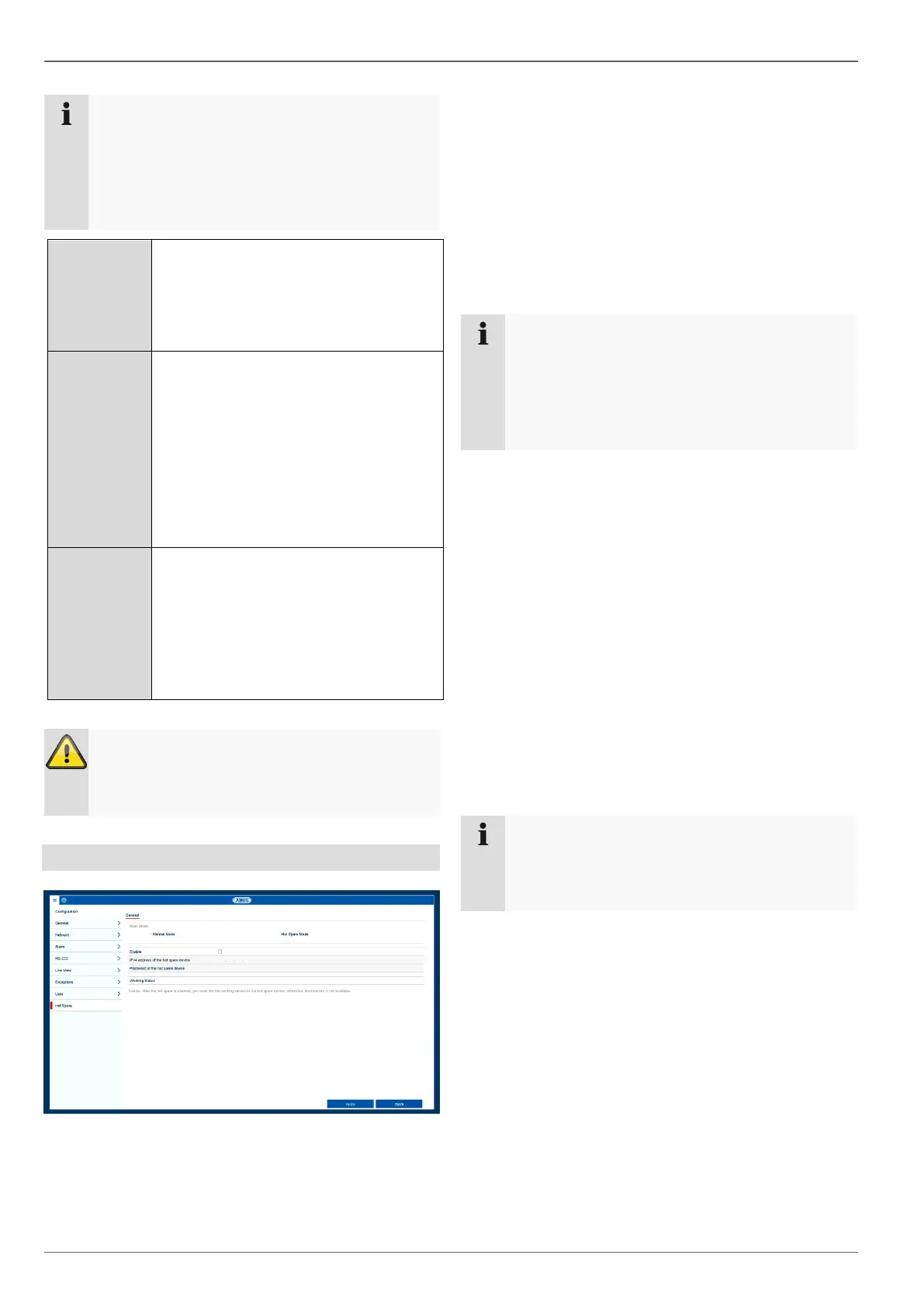
2. In the "Hot spare" menu, select the hot spare mode
for this device. You will need to restart the recorder in
order to do this. Follow the instructions.
3. Make a note of the IP address for the hot spare de-
vice.
4. Switch to the "Hot spare" menu in your primary re-
corder as well, select the "Normal Mode" option and
enable the function.
5. Enter the IP address and password for the hot spare
device.
6. A permanent connection is now established between
the primary device and the hot spare device.
7. Setup is now complete.
To apply the settings, confirm your selections by clicking
on Apply.
Make sure that the second device has the same
or better performance data (IN/OUT, number of
channels, number and size of hard disk drives).
Both devices should also have the same firmware
version.
The hot spare recorder permanently synchronises
its camera and recording settings with the primary
recorder in order to operate with identical settings
in the event that the primary recorder stops work-
ing.
When hot spare mode is enabled, the usability of
the recorder is limited. Only basic configurations
are available in the Settings menu.



 To Next Page