Panic recording
106
Panic recording
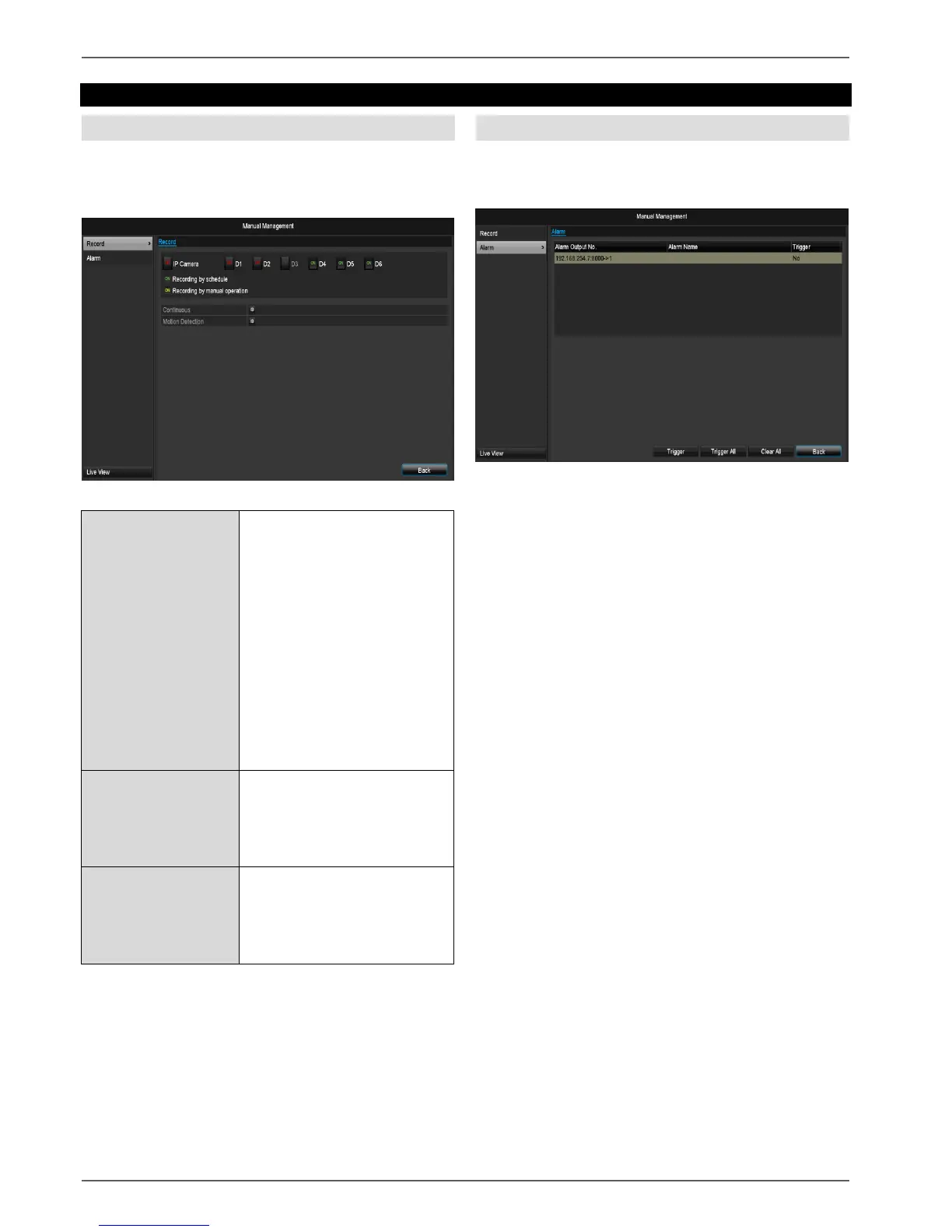
Recording
Press the REC button or navigate to Panic Recording in
the main menu to start manual picture/video recording.
Click on the “Recording” submenu.
Select the settings for all cam-
eras
Click “Off” or “On” to change
the settings.
On, green:
Recording according to sched-
ule,
On, yellow:
Recording with manual opera-
tion
Off, red:
No recording.
Click on permanent recording to
activate all channels for the
whole day.
Click “Yes” to confirm your se-
lection.
Click the symbol to activate mo-
tion detection for all channels
for the whole day.
Click “Yes” to confirm your se-
lection.
Alarm
Select the alarm output here which should be switched
for a panic recording.
You can switch several alarm outputs for a panic reac-
tion.
Select Trigger to activate the selected alarm output.
Click Trigger all to activate all alarm outputs.
Click Delete all to remove the settings.


 To Next Page
 Loading...












