Image
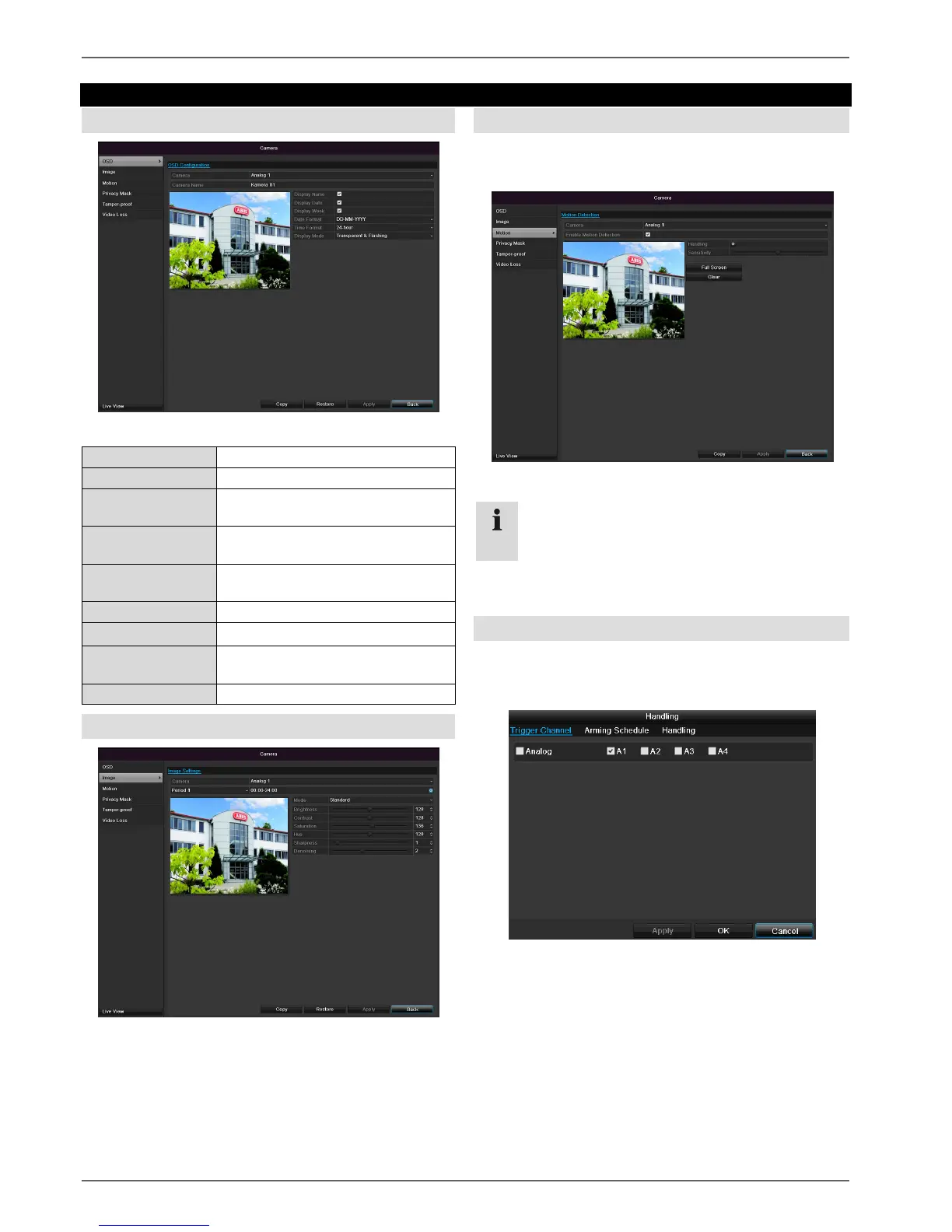
Select the camera channel to be processed at “Camera”.
Adapt the camera image to light conditions at “Mode” by
means of specified settings or with user-defined settings.
Motion
Select the camera channel under “Camera”.
Select the checkbox for the motion detection.
Handling
Trigger Channel
When “Reaction” is clicked, the TAB Trigger channel
appears (only with motion recognition):
Select one or more camera channels that should carry
out a reaction in the event of an alarm.
Confirm the settings by clicking Apply and leave the
menu with OK.
Note
In order to record using the motion recognition, you
must set the time plan at recording (see p.94).



 To Next Page