Camera
91
Camera
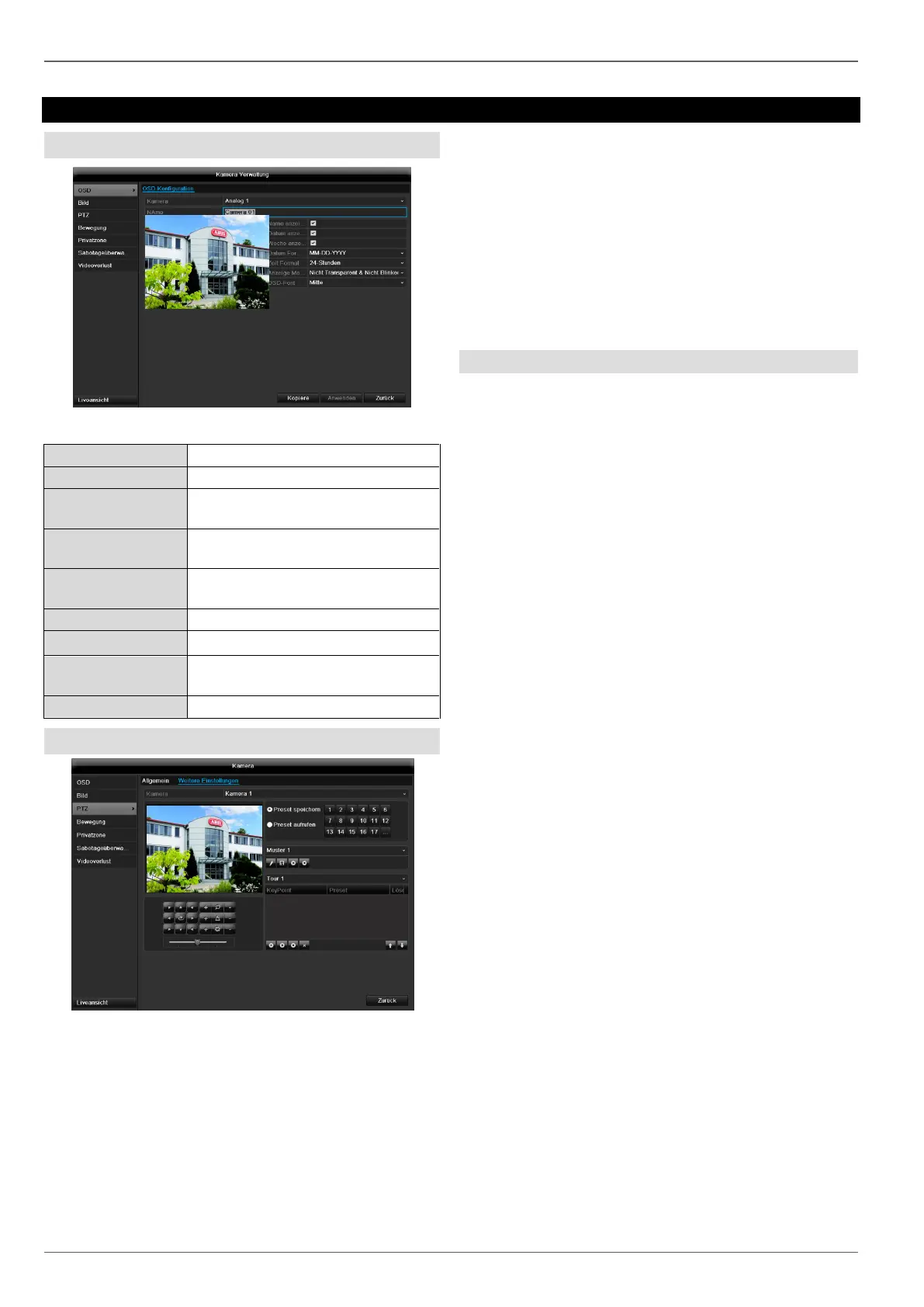
OSD
Allocation of camera name
Activate / deactivate display of
camera name in the live view
Activate / deactivate display of
date in the live view
Activate / deactivate display of
week in the live view
Selection of date display type
Settings relating to the presenta-
tion of camera name and date
PTZ
Saving and retrieving presets
1. Use the arrow buttons to move the camera to the
required image section and save the position, for
example as Preset 1.
2. Click on Call up to move to Preset 1.
Setting up and calling up patrols
1. Create several presets to use for the patrol.
2. Click on + to select a preset.
3. Add more presets to set up the required patrol.
4. Then click on the play symbol to start the patrol.



 To Next Page