Camera
96
Encoding
Record
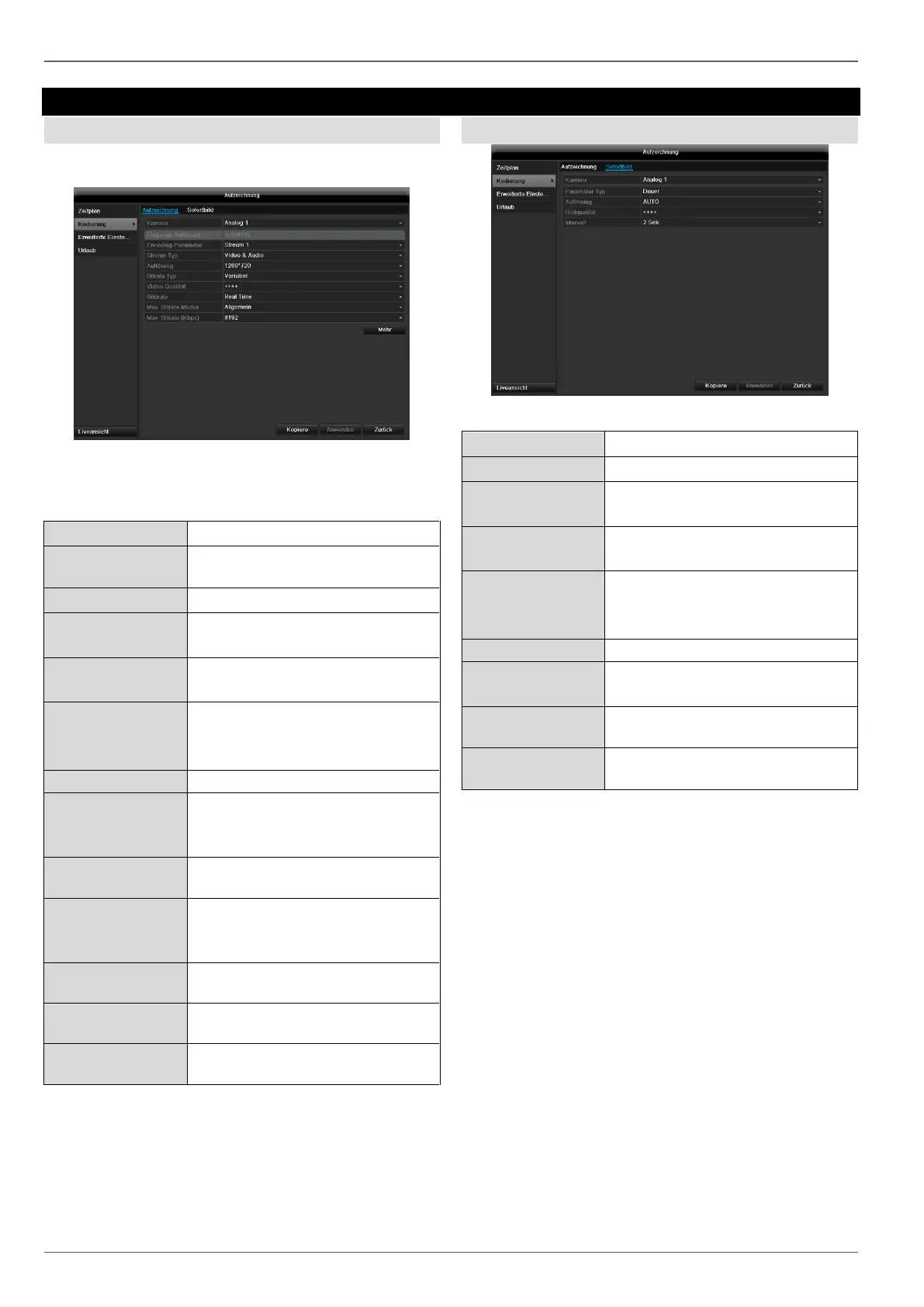
The schedule is used to specify the recording times and
triggers (recording type) for the cameras.
The following setting options are available in this sub-
menu:
CIF / 4CIF / VGA / HD720P /
1080P
Select a variable or constant bit
rate
There are various quality levels:
+++: medium quality
++++++: high quality
Setting for the stream frame rate
Select the mode for setting the bit
rate
User def. (32 – 8192)
Setting for the maximum bit rate
Recommended
max. bit rate
Recommended bit rate depending
on the set resolution, frame rate,
etc.
Recording period before an
alarm (in seconds)
Recording period after an alarm
(in seconds)
Setting for the longest retention
time for recorded files.
Confirm the settings by clicking Apply and exit the menu
with OK.
TAB Substream
The following parameters can be set:
CIF / 4CIF / VGA / HD720P /
1080P
Select a variable or constant bit
rate
There are various quality levels:
+++: medium quality
++++++: high quality
Setting for the stream frame rate
General,
user def. (32 – 8192)
Display of the maximum bit rate
Recommended
max. bit rate
Confirm the settings by clicking Apply and exit the menu
with Back.



 To Next Page