71
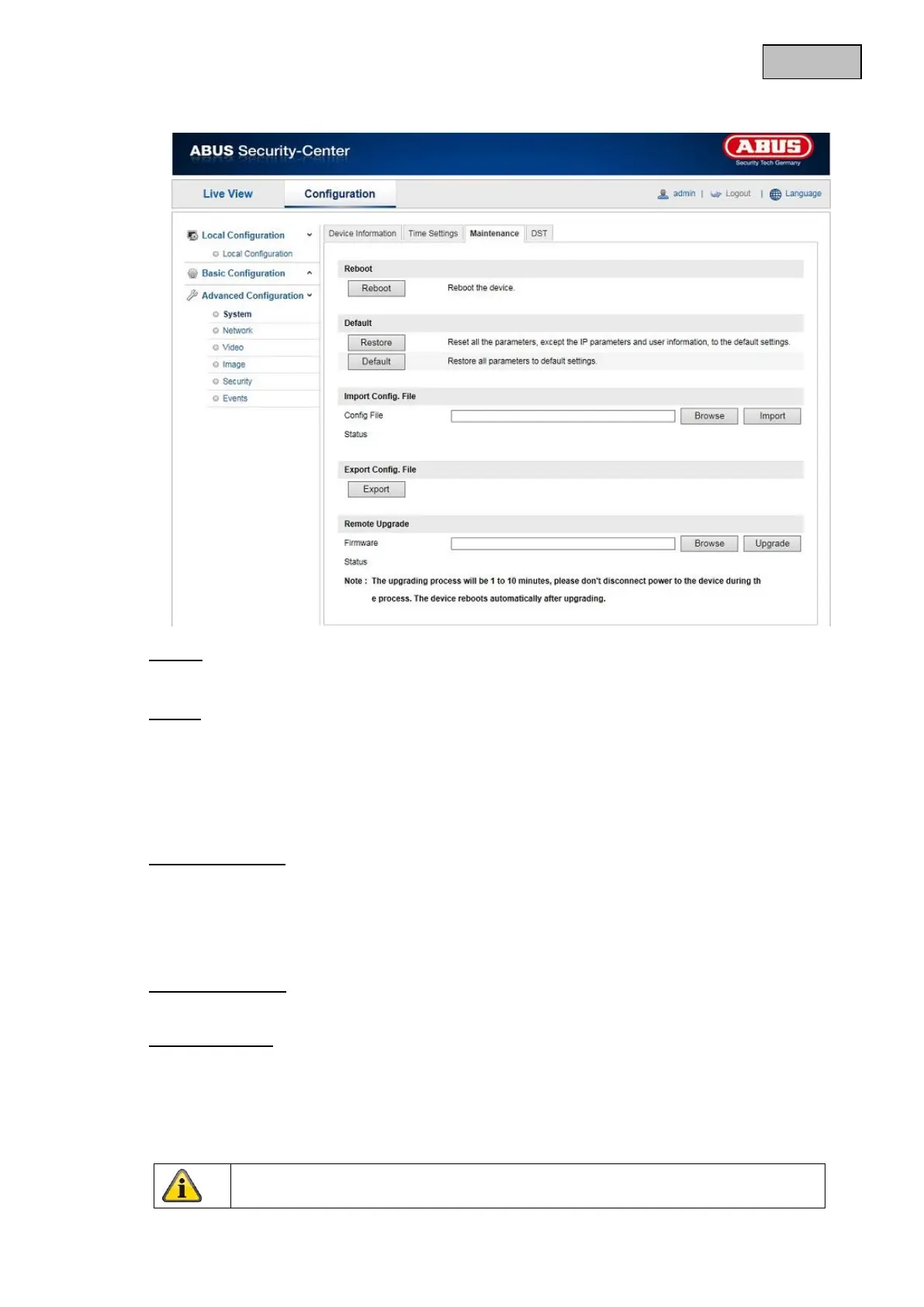
12.3.1.3 Maintenance
Reboot
Click “Reboot” to restart the device.
Default
Restore
Click “Restore” to reset all the parameters to the default settings, with the exception of the IP
parameters.
Default
Select this item to reset all parameters to the default values.
Import Config. File
Config. File
Select a file path to import a configuration file here.
Status
Display of the import status
Export Config. File
Click “Export” to export a configuration file.
Remote Upgrade
Firmware
Select the path to update the Speed Dome with new firmware.
Status
Display of the update status
Apply the settings made with “Save”.


 To Next Page
 Loading...











