85
MWB
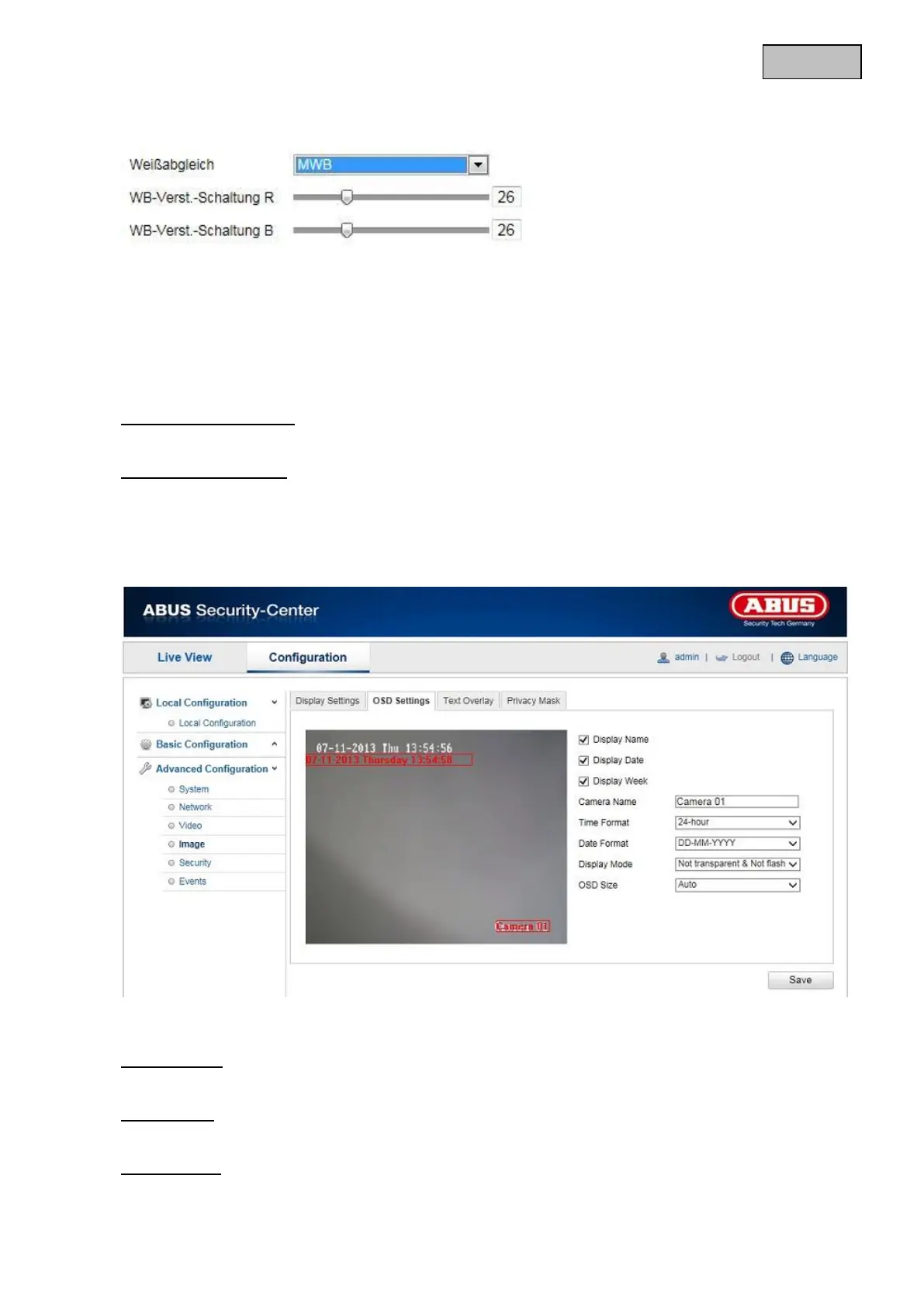
You can adjust the white balance with the following values manually.
WB locked
The white balance is performed once and saved.
Others
Use additional white balance options to adjust the function to the light levels (standard lighting, warm
lighting, natural lighting, florescent lamp).
Digital Noise Reduction
You can activate (normal mode) or deactivate the noise reduction here.
Noise Reduction Level
Set the level for noise reduction here.
12.3.4.2 OSD Settings
You can use this menu item to select which date and time format are displayed in the live picture.
Display Name
Activate this checkbox if you wish to display the camera name.
Display Date
Activate this checkbox if you wish to display the date in the camera image.
Display Week
Activate this checkbox if you wish to display the day of the week.


 To Next Page
 Loading...











