16
OSCILLATION
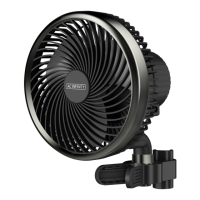
In addition to the standard features, S-Series
models can oscillate to provide airflow at a
wider angle.
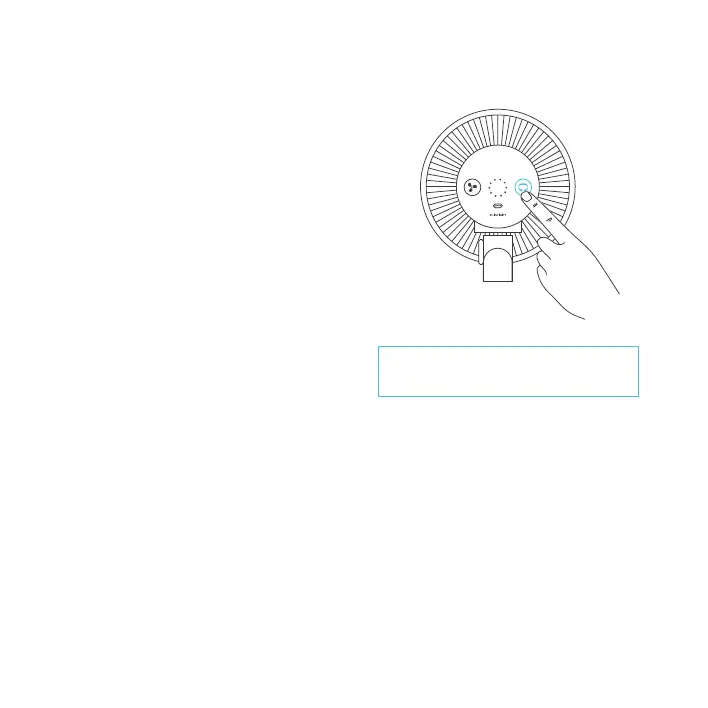
Press the swivel button to activate the clip
fan's oscillation.
The oscillation function is manually activated
using the button as indicated here and cannot
be controlled using external UIS programming.
If set to off, the clip fan will not oscillate
regardless of any external programs.
If set to on, oscillation will automatically start
if the external program activates the clip fan
to turn ON. Oscillation will then automatically
stop if the external program deactivates the
clip fan to turn OFF.
PROGRAMMING
S-SERIES
Leaving the oscillation activated for more than
24 hours at a time may reduce the lifespan of
the clip fan.



 To Next Page