25
The grow light will shine at the
intensity level set in OFF mode
while it is deactivated.
SCHEDULE MODE (ON & OFF)
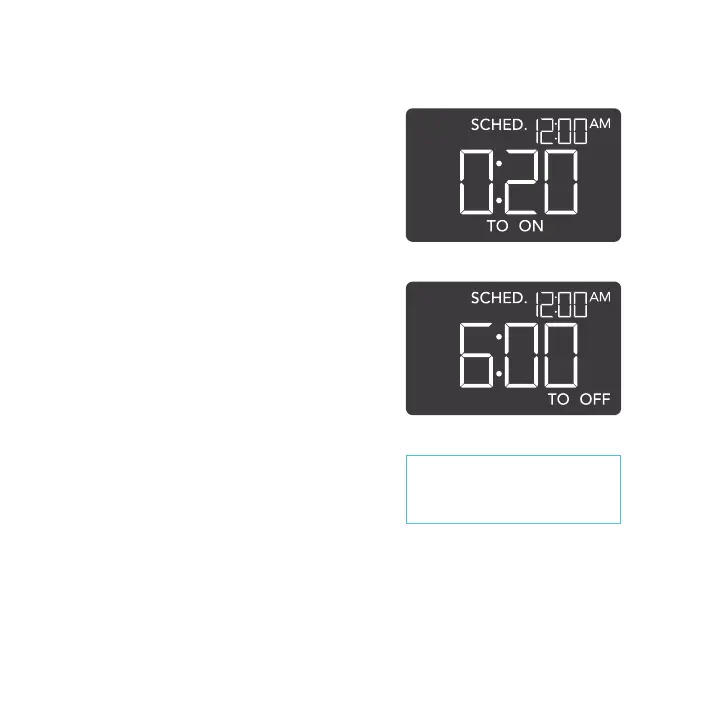
Sets an on clock-time and an off clock-time
schedule for your grow light to follow daily.
Press the up or down button to first set up an
on clock-time to trigger ON mode, then press
the mode button to set an off clock-time to
trigger OFF mode. Please be sure to set the
current clock time under settings.
When your grow light is triggered to activate, it
will run at the level set in ON mode. When your
grow light is triggered to deactivate, it will run at
the level set in OFF mode.
The countdown will begin if no buttons are
pressed for 5 seconds. Leaving the SCHEDULE
mode while the countdown is running will pause
it until you return to this mode.
Resetting the off clock-time will result in your
grow light staying on until you actively turn it off.
PROGRAMMING



 To Next Page