26
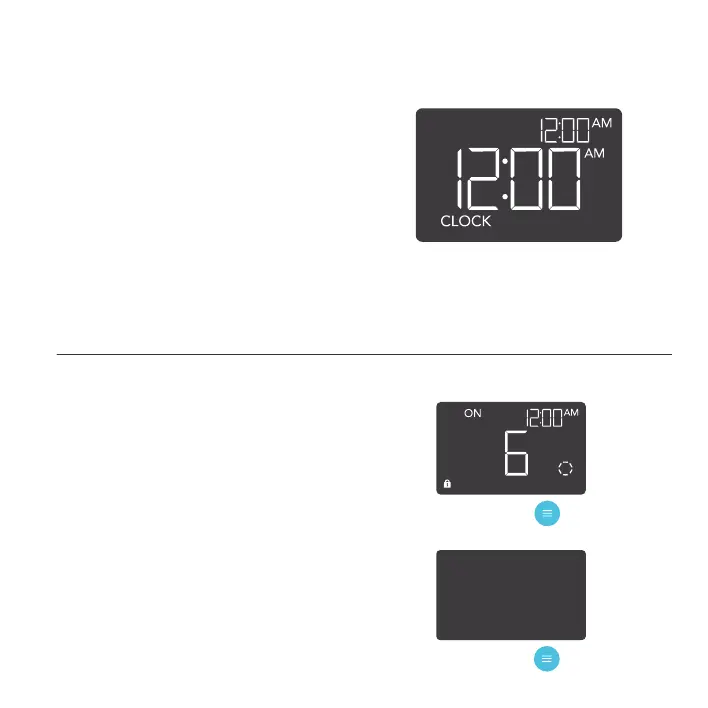
CLOCK MODE
Adjusts the current clock time. Use the up and
down buttons to adjust the time. Once you
cycle through 12:00 each time, the units will
automatically change to AM or PM.
The clock time is located at the center of the
display and the upper right hand corner.
TOGGLING THE DISPLAY
Lock the controller by holding the mode button.
Press the mode button to turn the display off.
Pressing the mode button again will turn the
display back on.
Programs will still run in the background while
the LCD screen is off.
HOLD
+
PRESS
+
PROGRAMMING



 To Next Page