Page 11 of 16 Copyright © Access-IS 2018
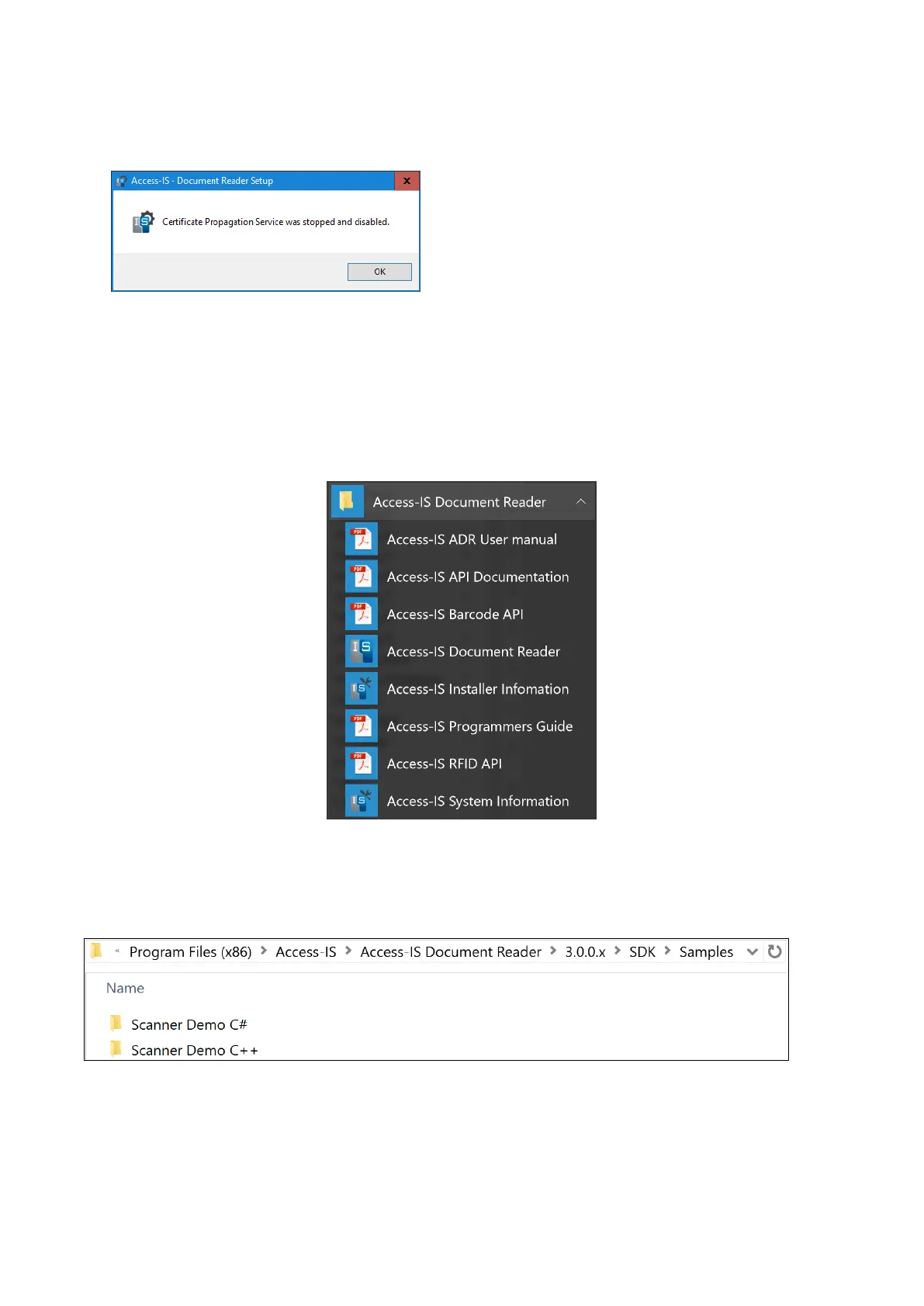
If you do not use a smart card to unlock the host computer, you can safely disable the service.
The web page that automatically opens provides more information on the Certificate
Propagation service (https://www.technet.microsoft.com/en-us/library/ff404288).
Click Yes to stop and disable the service, and then click OK.
10. When installation is complete, click Next and then click Finish.
3.1.1 What gets installed and where?
By default, the installer installs all the necessary software, API components and documentation in
the following location: Program Files (x86)\Access-IS\Access-IS Document Reader
You can access ADRS, the Software Development Kit (SDK) and other tools from the Access-IS
Document Reader group on the Windows Start menu.
Figure 4: Access-IS Document Reader group on the Start menu
3.1.2 Sample code
If installed, you can access the sample code, from the following location:



 To Next Page