17
5. Software Updates
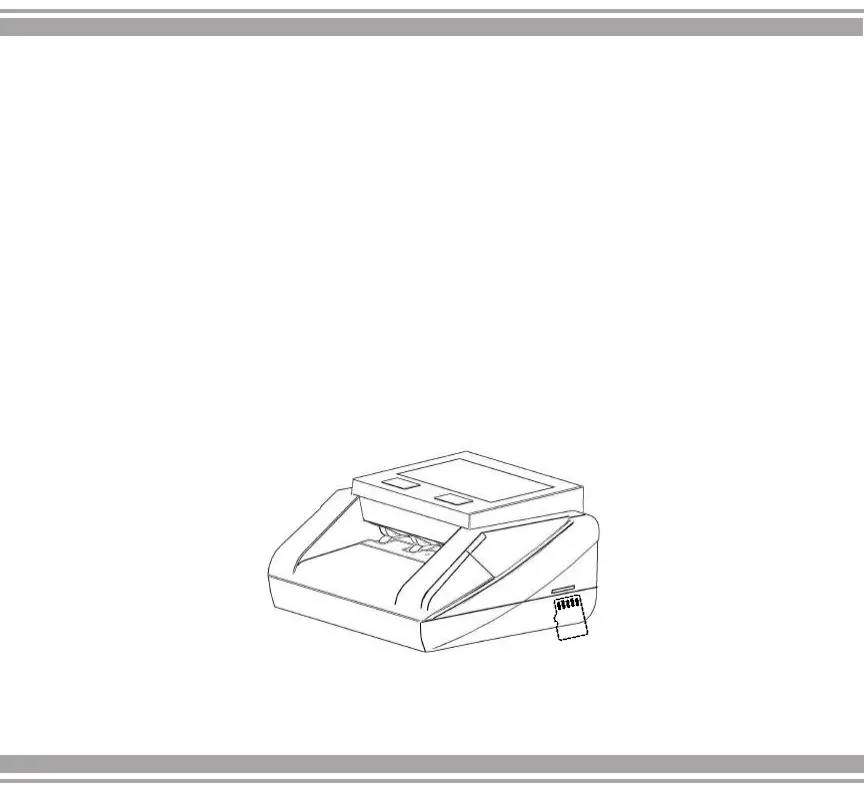
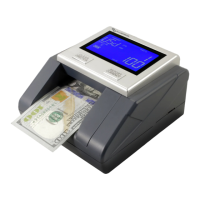
1. Copy the programming software to a mini SD card.
2. Turn off the detector.
3. Insert the mini SD card into the update port.
4. Turn on the detector. The code "512 boo7" will appear on
the screen.
5. Wait approximately 1 minute until the equipment restarts after
completing the update.
6. Turn off the detector and remove the SD card.
7. Turn on the detector and check the update.
Steps to perform software update:


 To Next Page