2. Data Deletion
Press the upper left corner for 5 seconds on initial screen. Password window will appear.
Press ‘1111’ on the password window.
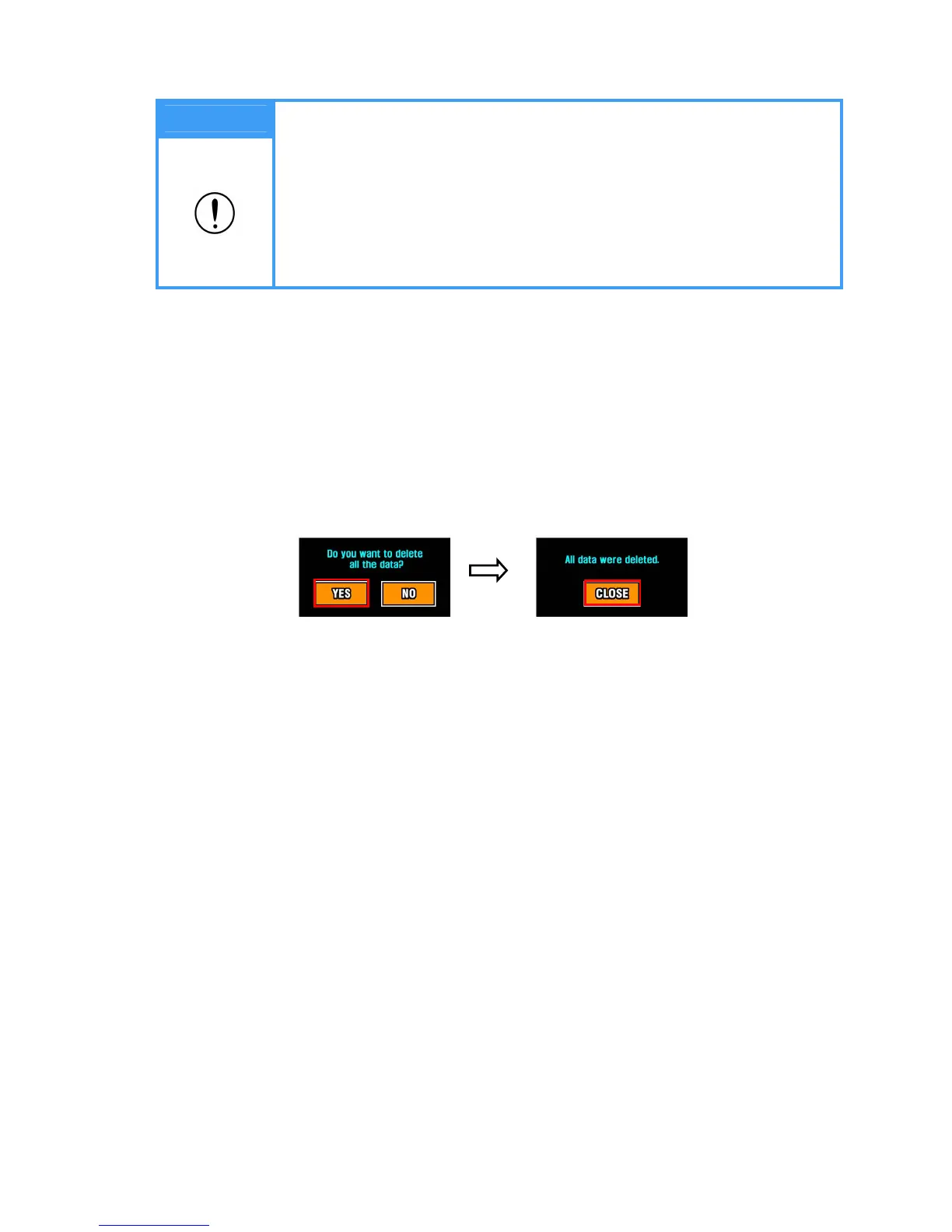
The following message appears. “Do you want to delete all data?’
If you want to delete the data, press YES to delete, otherwise press NO.
When deleting the data, the message ‘All data were deleted’ will appear. Press ‘Close’ to
return to initial screen. (Deleted data can not be restored)
Note
1. USB memory should be inserted only at the initial screen.
2. When there’s no data saved in FLASH MEMORY, the message “No saved
data.” will appear. Please insert USB memory after measuring body
composition.
3. When the saving format is changed from USB MEMORY to FLASH
MEMORY, the data saved in USB MEMORY should be transferred to PC.
4. Please refer to program manual for more information.


 To Next Page