8℃ heating function
NOTE
NOTE
LIGHT
TEMP
no display
10
Energy-saving function
Function introduction for
combination buttons
Under heat mode, press "TEMP" and "CLOCK"
buttons simultaneously to start up or turn off 8
℃
heating function. When this function is started up,
" " and "8℃" will be shown on remote control,
and the air conditioner keep the heating status at
8℃. Press "TEMP" and "CLOCK" buttons simulta-
neously again to exit 8℃ heating function.
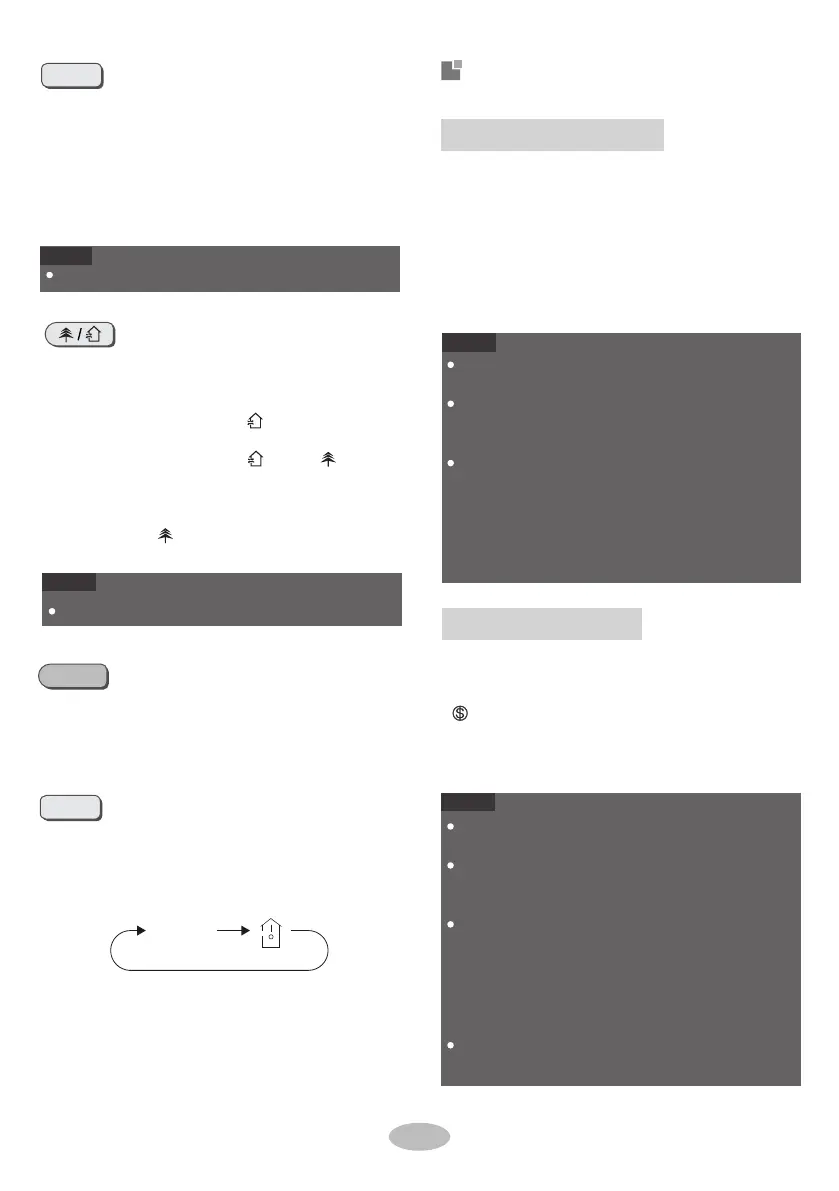
Press this button, you can see indoor set tempera-
ture, indoor ambient temperature on indoor unit's
display. The setting on remote control is selected
circularly as below:
This function is only available for some models.
WiFi
NOTE
NOTE
This function is only available for some models.
Under energy-saving function, fan speed is defaulted
at auto speed and it can
't be adjusted.
Under energy-saving function, set temperature can
't
be adjusted. Press "TURBO" button and the remote
control won
't send signal.
Sleep function and energy-saving function can
't oper-
ate at the same time. If energy-saving function has
been set under cool mode, pressing "SLEEP" button
will cancel energy-saving function. If sleep function
has been set under cool mode, starting up the
energy-savingfunction will cancel sleep function.
Under 8℃ heating function, fan speed is defaulted at
auto speed and it can
't be adjusted.
Under 8℃ heating function, set temperature can
't be
adjusted. Press "TURBO" button and the remote
control won
't send signal.
Sleep function and 8℃ heating function can
't operate
at the same time. If 8℃ heating function has been set
under heat mode, press "SLEEP" button will cancel 8℃
heating function. If sleep function has been set under
heat mode, start up the 8℃ heating function will
cancel sleep function.
Under ℉ temperature display, the remote control
will display 46℉ heating.
Press " WiFi " b utton to turn on WiFi function, " WiFi "
icon will be displayed on the remote control;
Hold " WiFi " button for 5s to turn off WiFi function
and " WiFi " icon will disappear.
Under off status, press "MODE" and " WiFi " buttons
simultaneously for 1s, WiFi module will restore
factory settings.
Pres
s this button to turn on or turn off the health
and scavenging functions in operation status.
Press this button for the first time to start scaveng-
ing function; LCD displays " ". Press the button
for the second time to start health and scaveng-
ing functions; LCD displays " " and " ". Press
this button for the third time to quit health and
scavenging functions simultaneously. Press the
button for the fourth time to start health function;
LCD display " ". Press this button again to
repeat the operation above.
Under cooling mode, press "TEMP" and "CLOCK"
buttons simultaneously to start up or turn off ener-
gy-saving function. When energy-saving function
is started up, "SE" will be shown on remote con-
trol, and air conditioner will adjust the set tem-
perature automatically according to ex-factory
setting to reach the best energy-saving effect.
Press "TEMP" and "CLOCK" buttons simultane-
ously again to exit energy-saving function.
Press this button to turn on or turn off the display
light on the indoor unit.
The display light is defaulted on after powering on.


 To Next Page
 Loading...