25Setting up Gmail
Pinch to zoom in or out of pages. Tap and hold an item on a page to open a
contextual menu.
Voice Search
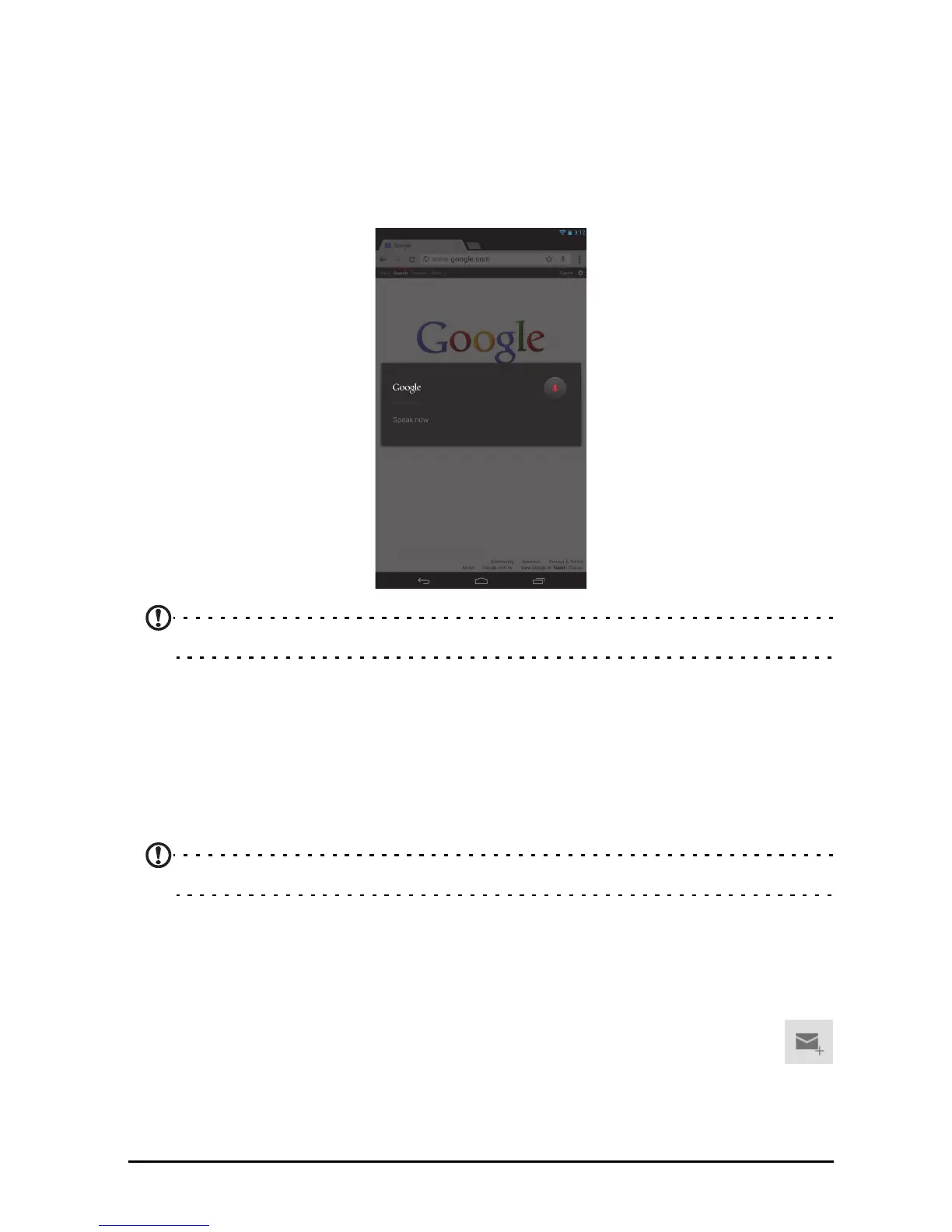
With voice actions, you can send emails, find directions to locations, search the
Internet and even send a note to yourself using your voice. Tap the microphone on
the Home screen for voice searches. When the Speak now prompt is displayed,
state your command or query.
Note: Voice Search is available only in selected regions.
Setting up Gmail
1. Make sure your tablet is connected to the Internet.
2. From the Applications menu tap Gma
il.
If you did not enter a Gmail account address and password when you first started
yo
ur tablet, follow the instructions.
Note: You need to activate a Google account before you can use Gmail.
Composing an email
1. Make sure your tablet is connected to the Internet.
2. Open the application menu and tap Gma
il.
3. Tap the Compos
e icon (shown right).
4. Enter the recipient's email address, the subject and message.
5. When you are finished composing your message, tap Send.



 To Next Page