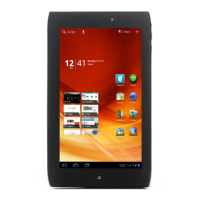
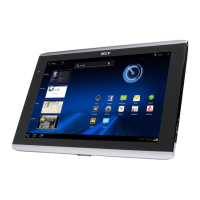
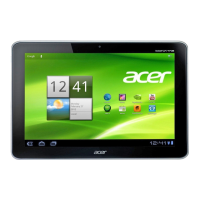
view
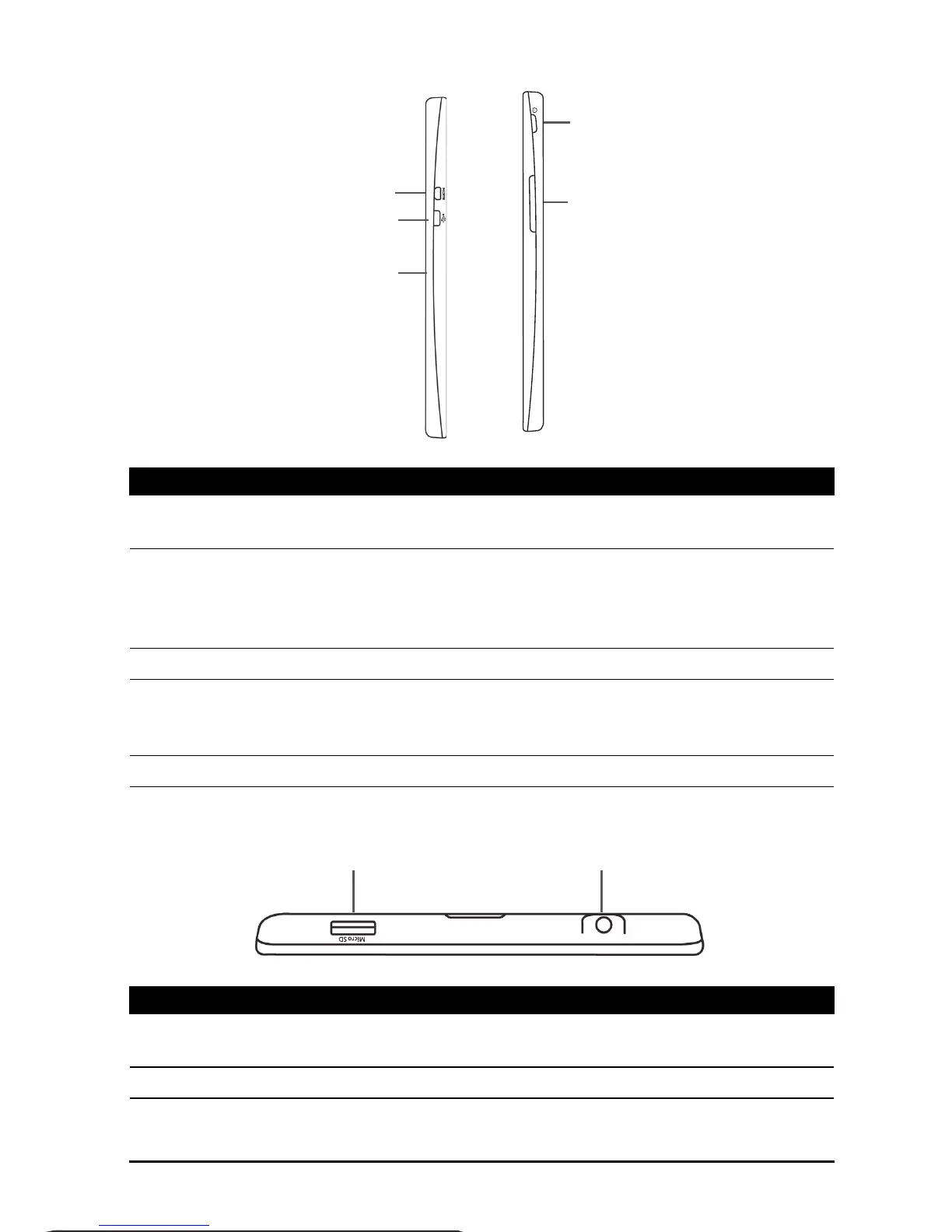
No. Item Description
1 Micro HDMI (Type D)
connector
Connects to an HDMI cable with a Type D
connector.
2 Micro USB port (Slave) Connects to a computer via a USB cable. Also
serves as the charging port for the AC adapter.
For more information, see “Charging your tablet”
on page 9.
3 Microphone Receives audio for video chats and Internet calls.
4 Power button Long press to turn the tablet on, press briefly to
turn the screen on/off or enter sleep mode; press
and hold to turn the tablet off.
5 Volume control key Increases and decreases the tablet volume.
No. Item Description
1 microSD card slot Insert a microSD card into the slot. See “Inserting
a microSD card (optional)” on page 22.
2 3.5 mm headphone jack Connects to stereo headphones.



 To Next Page