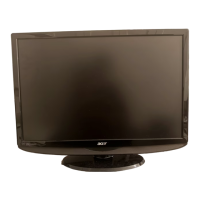
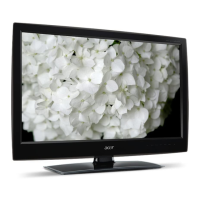
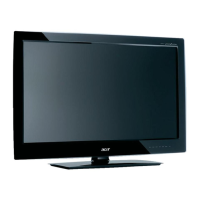
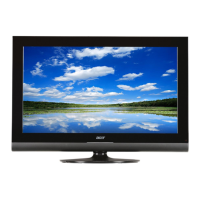
Your LCD TV overview
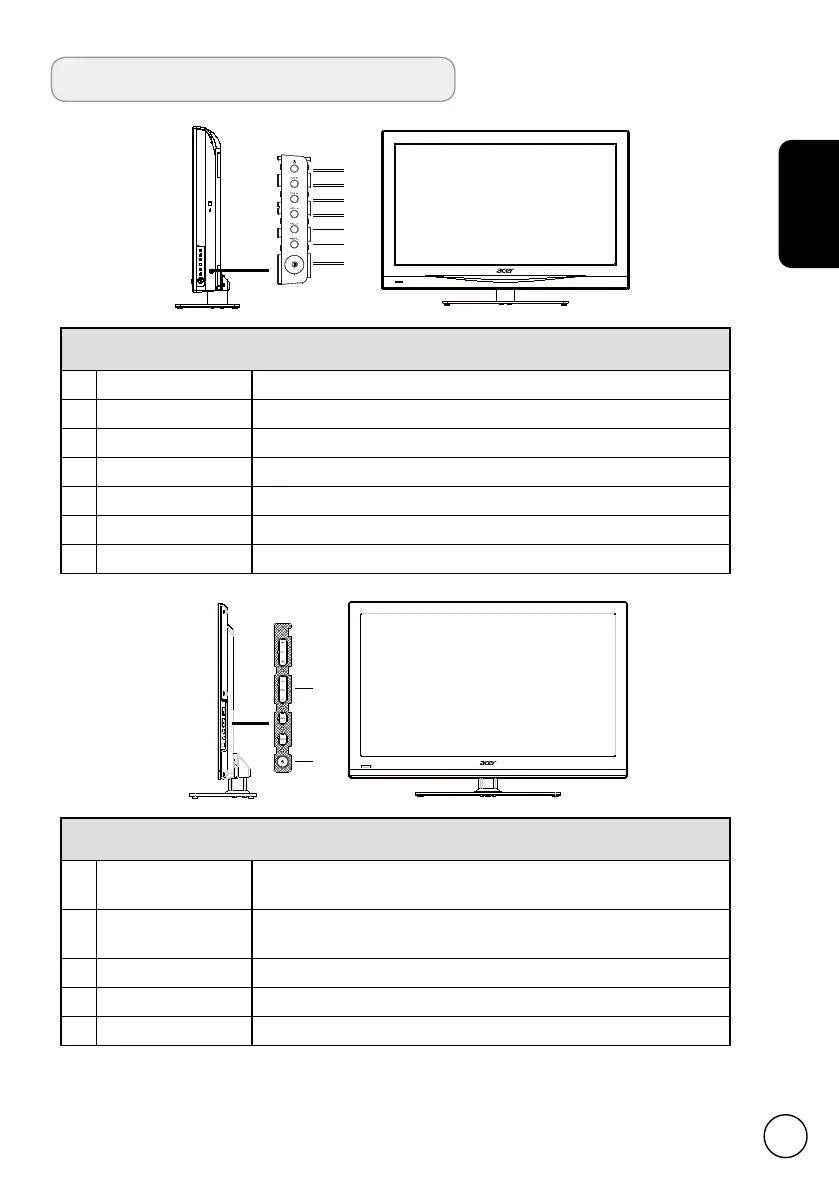
Front and side panels
(AT2618MF/AT3218MF)
1 Standby Turns the TV ON and OFF.
2 Channel up When the OSD is on, functions the same as the Up arrow.
3 Channel down When the OSD is on, functions the same as the Down arrow.
4 Volume up When the OSD is on, functions the same as the Right arrow.
5 Volume down When the OSD is on, functions the same as the Left arrow.
6 Menu key Turns the OSD menu ON and OFF.
7 AC power button Turns the power ON and OFF.
Front and side panels
(AT2628ML/AT3228ML/AT4028ML)
8 Channel up/down
When the OSD is on, functions the same as the Up/Down
arrow.
9 Volume up/down
When the OSD is on, functions the same as the Right/Left
arrow.
10 Menu key Turns the OSD menu ON and OFF.
11 Input When the OSD is on, functions the same as the OK key.
12 Standby Turns the TV ON and OFF.


 To Next Page