38
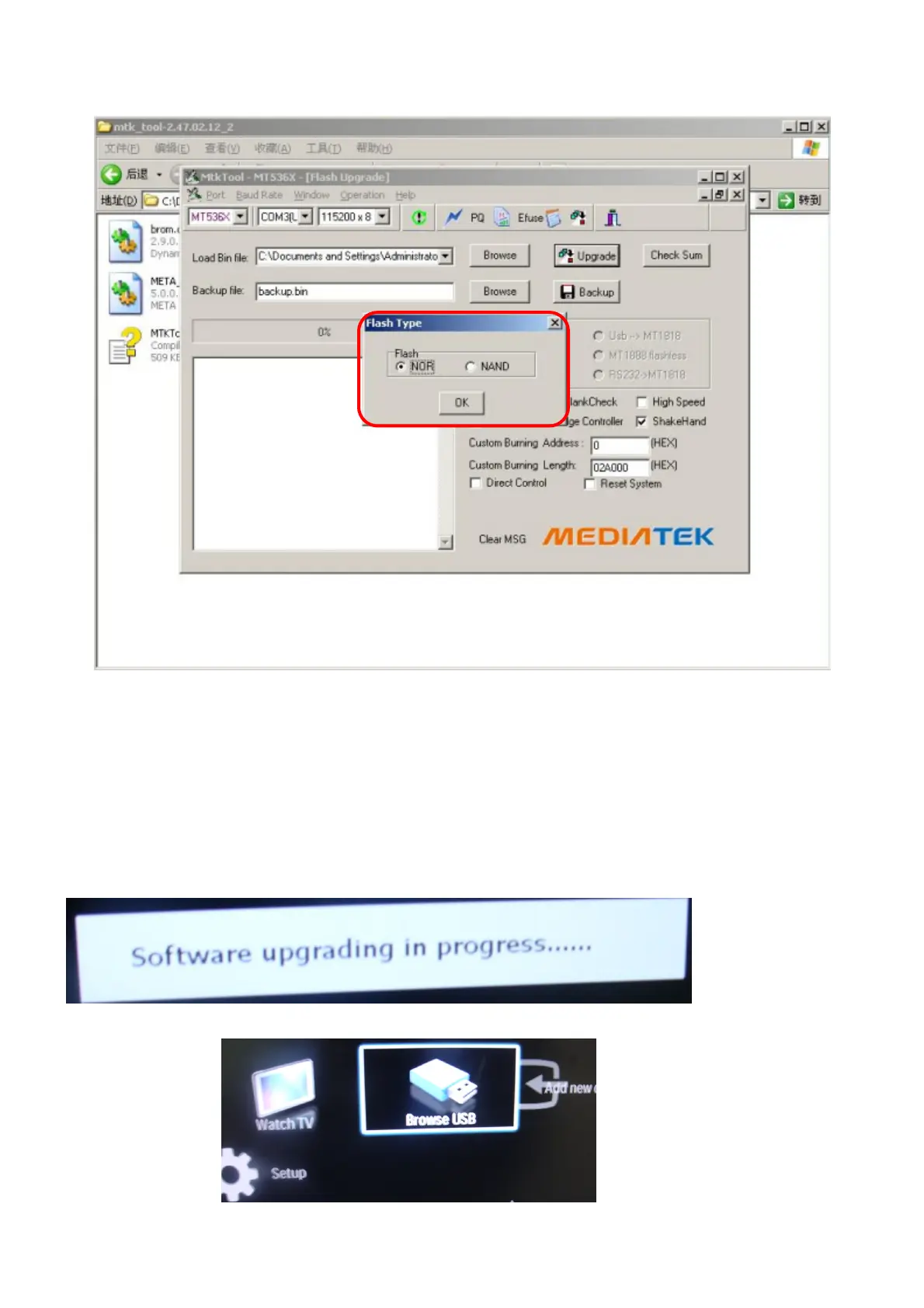
Step 3: After we click upgrade, there will be a small window, we must select Flash Type. The correct type is NOR ,
Click OK .
Step 4 :When we see this picture, show program OK ,then AC ON/OFF, program finished.
2. U391 FW update
After we update u390, next we update u391. We need not any other hardware tool , we only use USB disk to update
FW.
Step1:get the correct FW and save it in USB disk;
Step2:re-named the FW file, the system only recognize upgrade.pkg
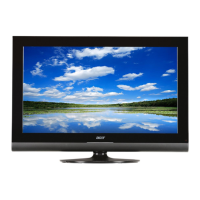
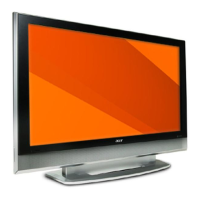
Step3:when TV is standby, put the USB disk into TV USB port, then press power key on remote control , we can see
the below picture (picture 1) and the LED is flickering . after the update is end, TV will be on (picture 2) .
picture 1
picture 2


 To Next Page