25MMS messages
Important: You may be charged to download message content, especially if you are
roaming. Please contact your provider if you have any questions.
3. Tap the message to view the content.
4. Press the Menu button and tap Re
ply to reply to the
message. The message window will appear. Simple text
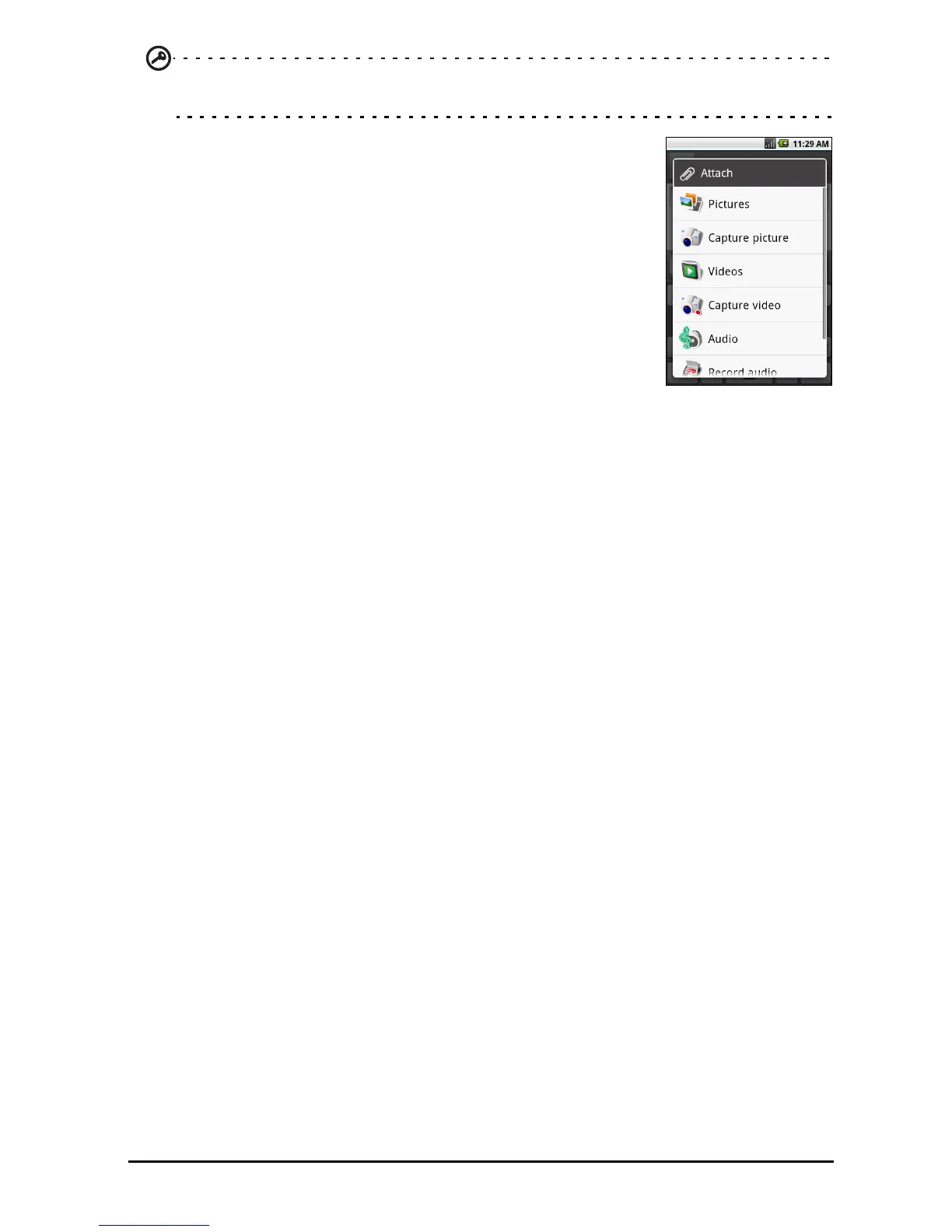
replies will be sent as SMS messages. If you wish to
attach a file, press the Menu button and tap Attach.
You will be presented with a menu of options.
5. When you have finished composing the
message, press
the Menu button and tap Send.



 To Next Page