6
Setting Up
Unpacking your smartphone
Your new smartphone comes packed in a protective box. Carefully unpack the
box and remove the contents. If any of the following items is missing or
damaged, contact your dealer immediately:
• Acer beTouch E400 Smartphone
• Battery
• Quick Guide
• Companion CD
• USB cable
• AC adapter
• Headset
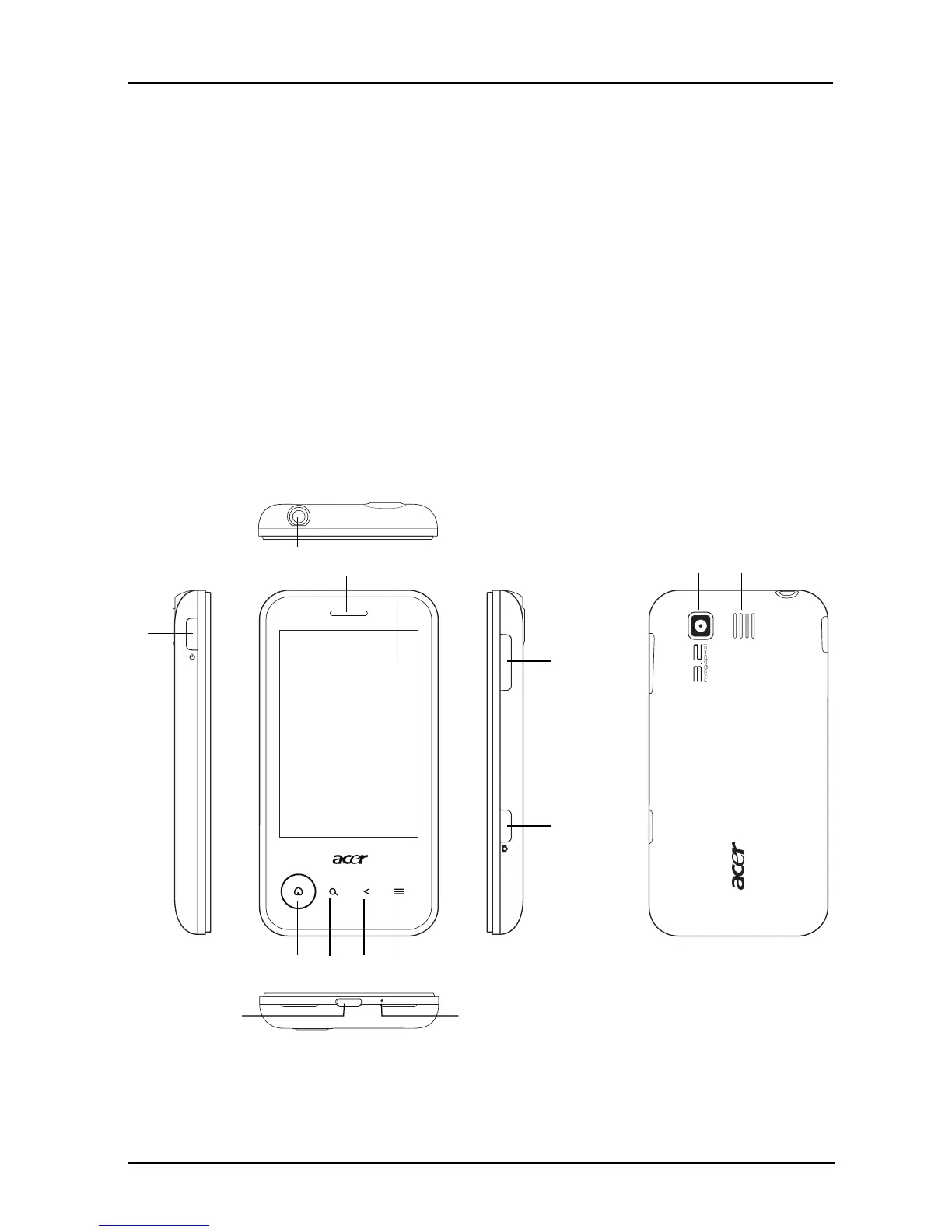
Getting to know your smartphone
Views
1
43
5678
11
12
13 142
910



 To Next Page