EN-45
In the Mode
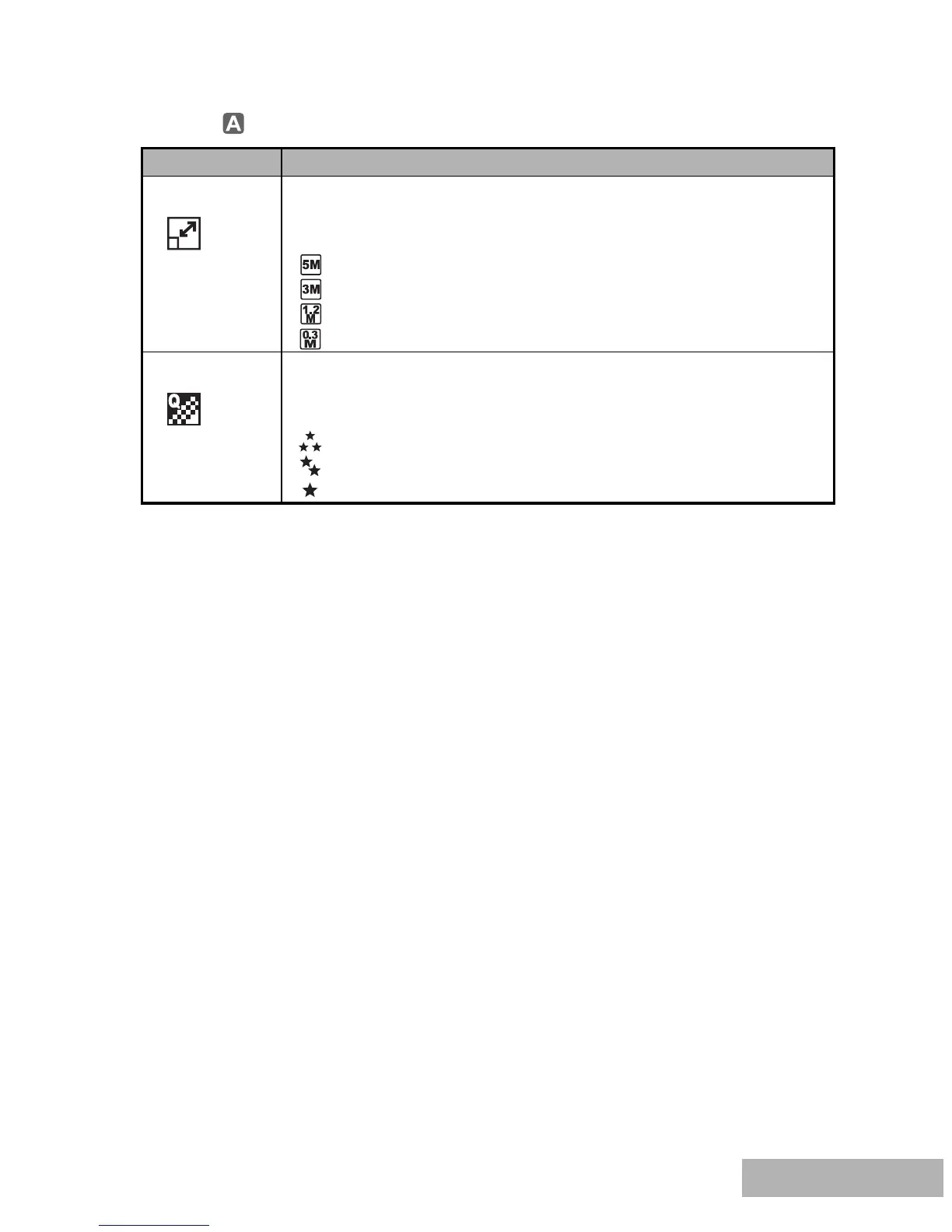
Item Functional Description
Image Size Sets the size of the image that will be captured. Refer to the
section in this manual titled "Setting Image Resolution and
Quality" for further details.
2560x1920
2048x1536
1280x960
640x480
Quality Sets the quality (compression rate) at which the image is captured.
Refer to the section in this manual titled "Setting Image
Resolution and Quality" for further details.
Fine
Normal
Economy



 To Next Page