EN-46
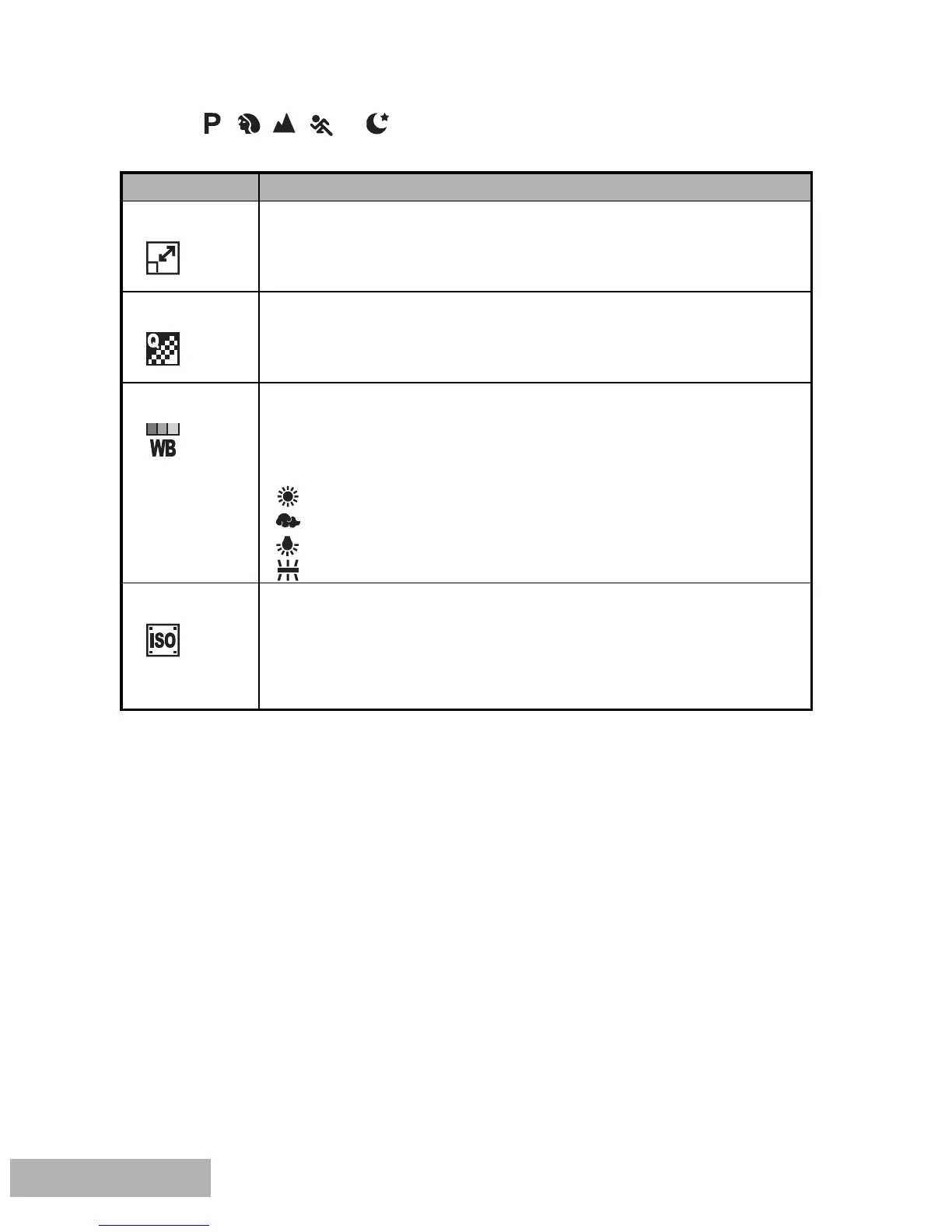
In the , , , , or Mode.
[Capture] settings
Item Functional Description
Image Size Refer to the section in this manual titled “Setting Image
Resolution and Quality” for further details.
Quality Refer to the section in this manual titled “Setting Image
Resolution and Quality” for further details.
W.Balance Sets the white balance when shooting under a variety of lighting
conditions and permits photographs to be taken that approach the
conditions that are seen by the human eye.
Auto
Daylight
Cloudy
Tungsten
Fluorescent
ISO Sets the sensitivity for taking pictures. When the sensitivity is
raised (and the ISO figure is increased), photography will become
possible even in dark locations, but the more pixelated (grainier)
the image will appear.
Auto / 64 / 100 / 200



 To Next Page