EN-47
[Function] settings
Item Functional Description
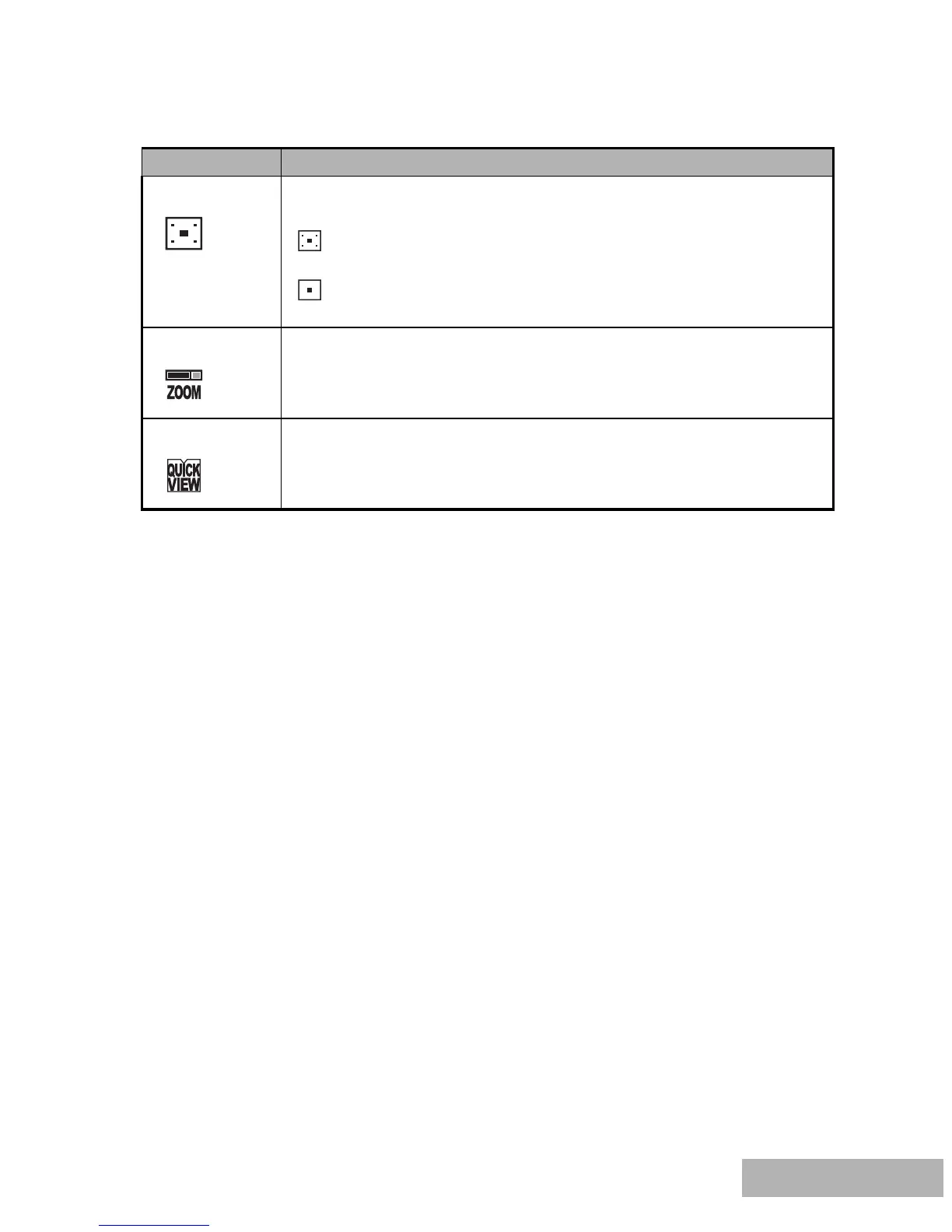
Metering You can select the metering mode that sets which part of the
subject to measure to determine the exposure.
Center-weighted: Averages the light metered from the entire
frame, but gives greater wieght to the subject matter at the center.
Spot: The exposure is determined by the small area in the
center of the screen only.
Digital Zoom This sets whether or not to use digital zoom at the time of shooting.
Refer to the section in this manual titled “Using the Zoom
Function” for further details.
Quick View Set to display a photographed image on LCD monitor screen
immediately after you have taken the shot.



 To Next Page