14
7. Color Space: You can choose Standard, SMPTE-C, DCI, EBU, HDR, Rec.709 or sRGB.
Note:
1. If Color Space is "HDR", then Modes is set to "HDR" automatically.
2. If Color Space not "HDR", then Modes is set to "Standard".
8. Grayscale Mode: Turn grayscale mode On or Off. The default is off.
9. 6-axis Hue: Adjust the red, green, blue, yellow, magenta and cyan hue.
10. 6-axis Saturate: Adjust the red, green, blue, yellow, magenta and cyan saturation.
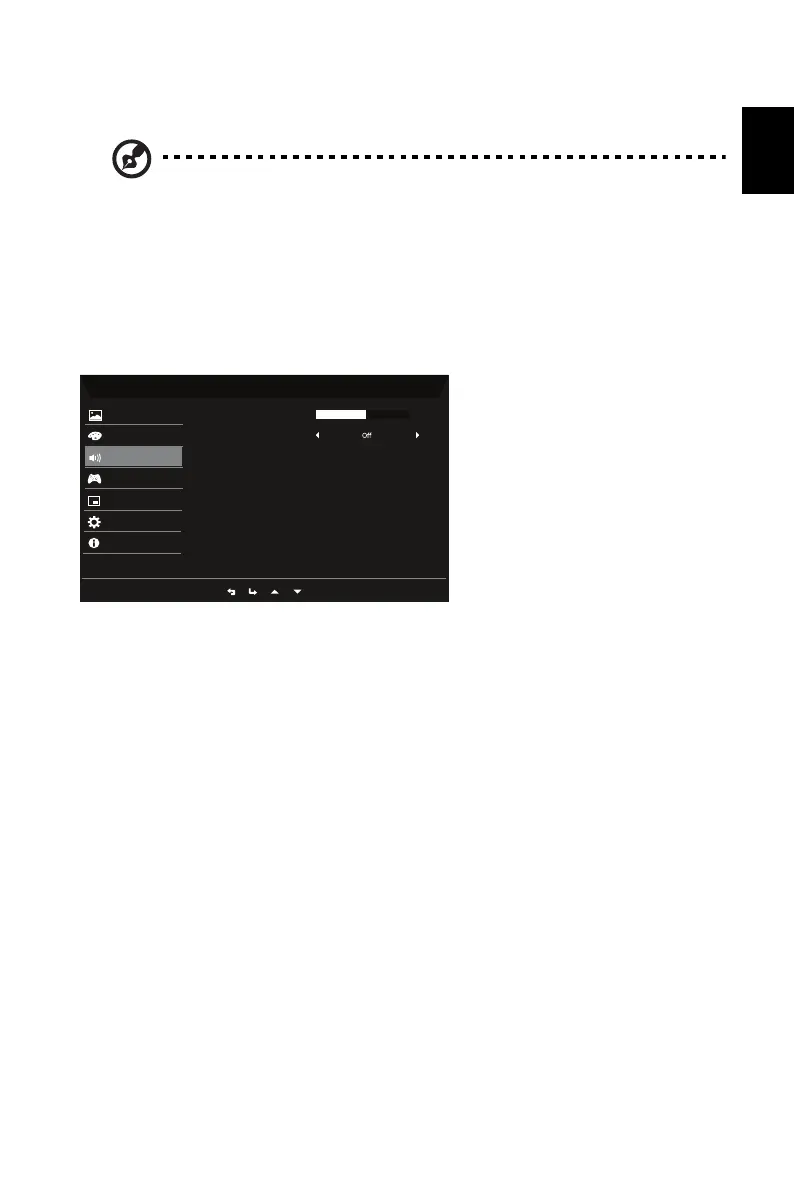
Audio
1. Press the MENU key to open the OSD.
2. Using the button, select Audio from the OSD. Then navigate to the setting you
wish to adjust.
3.
Use the
button to select the setting.
4. Volume: Adjusts the volume.
5. Mute: Select On or Off.
Mode - Standard
Volume
Mute
Color
Gaming
OSD
Picture
System
Information
Audio
50


 To Next Page