Information for your safety and comfort iii
First things first viii
Usage Notes viii
Precautions viii
Introduction 1
Product Features 1
Package Overview 2
Projector Overview 3
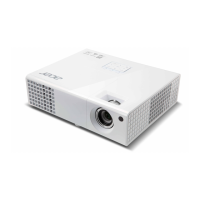
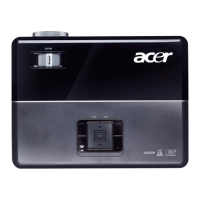
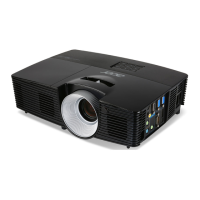
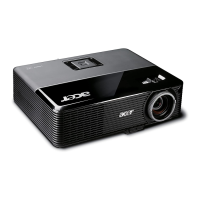
Projector Outlook 3
Control Panel 5
Remote Control Layout 6
MHL (Mobile High-Definition Link) Control 8
Getting Started 10
Connecting the Projector 10
Turning the Projector On/Off 12
Turning on the Projector 12
Turning the projector off 13
Adjusting the Projected Image 14
Adjusting the Height of Projected Image 14
How to optimize image size and distance 15
How to get a preferred image size by adjusting
distance and zoom 17
User Controls 19
Installation menu 19
Onscreen Display (OSD) Menus 20
Color 21
Image 22
Setting 24
Management 26
Audio 27
3D 28
Language 28
Appendices 29
Contents


 To Next Page