7
English
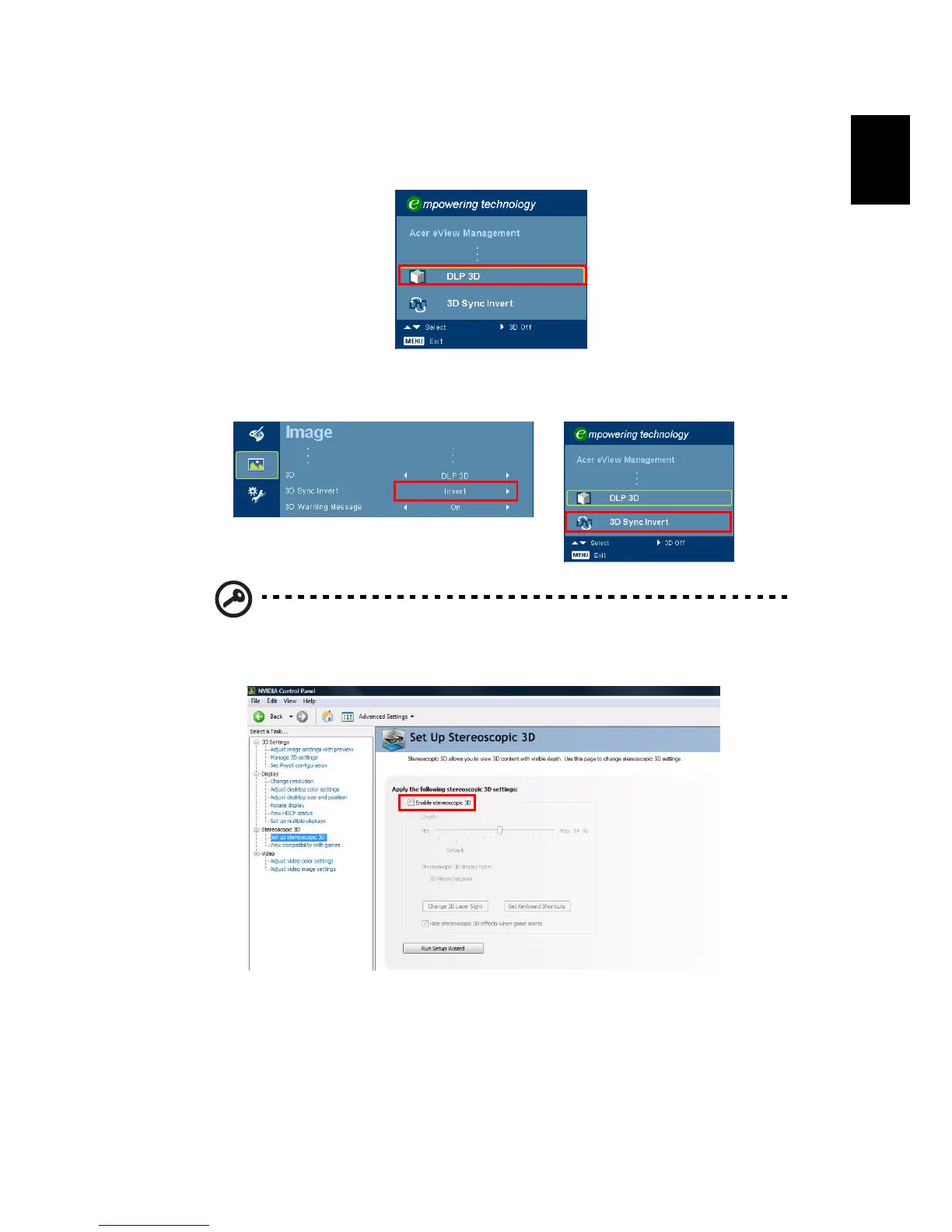
4 Alternatively, press the Empowering Key on your projector’s remote
control to open Acer eView Management. From the 3D options, select DLP
3D.
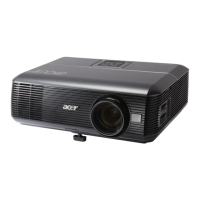
5 If you find that the 3D content is not displaying properly, try selecting 3D
Sync Invert from the projector OSD or Acer eView Management.
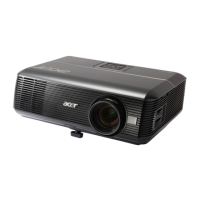
Important: If you have an NVIDIA graphics card and the NVIDIA 3D
Vision drivers installed, you may need to disable the Stereoscopic
feature to use the DLP 3D technology.


 To Next Page