Your Predator notebook tour - 15
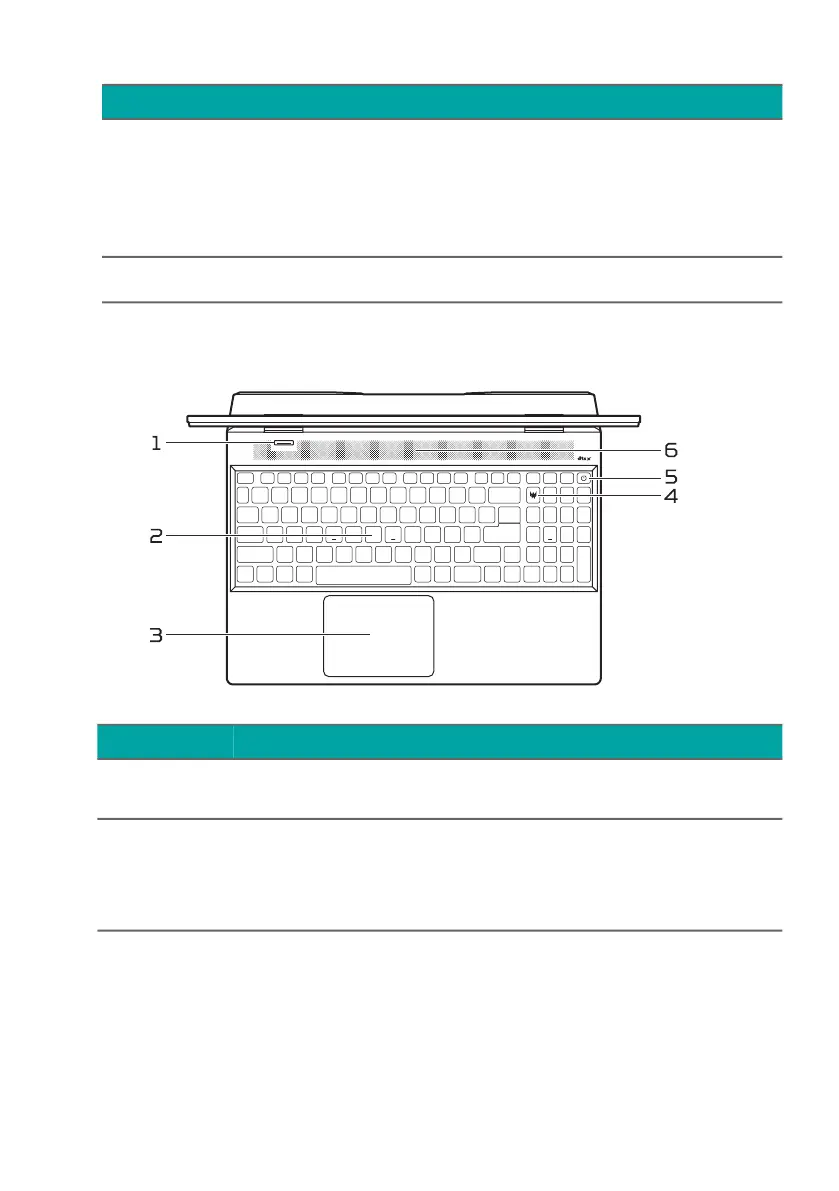
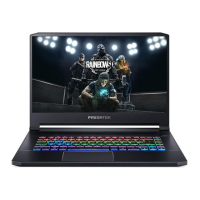
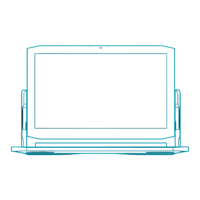
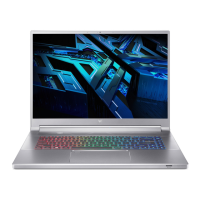
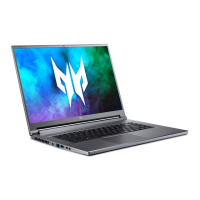
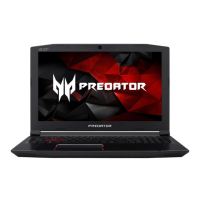
Keyboard view
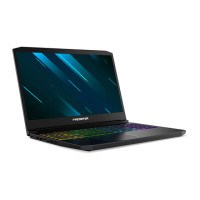
4 Webcam
Web camera for video
communication.
A light next to the webcam
indicates that the webcam is
active.
5 Screen Displays computer output.
# Icon Item Description
1 Mode key
Switches to different modes in
turns.
2 Keyboard
For entering data into your
computer.
See "Using the keyboard" on
page 21.
# Icon Item Description



 To Next Page