Disassembly Procedures 1-5
Pre-disassembly Instructions 0
Do the following prior to starting any maintenance procedures:
1. Place the system on a stable work surface.
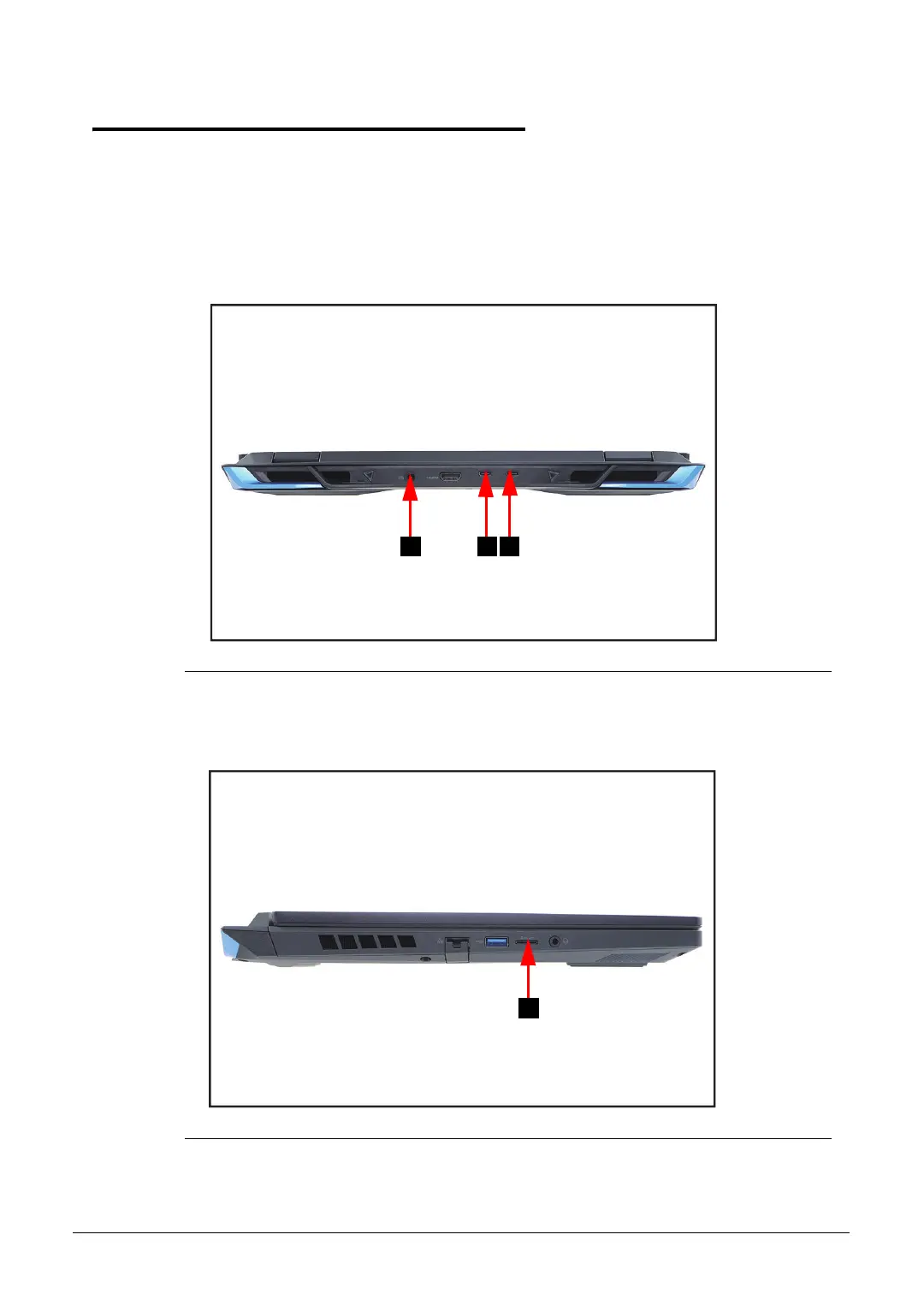
2. Remove the power adapter from the DC-IN jack (A) or USB Type-C ports (B and C) as
shown in Figure 1-1.
3. Remove all cables from system.
Figure 1-1. AC Adapter Outlet
4. Remove the microSD card from the microSD card slot (D) (Figure 1-2).
Figure 1-2. MicroSD Card Removal






 To Next Page