20 User’s Guide
10 Audio Function
The board provides a complete 3-D audio solution via the onboard 3-D
video controller and the following audio interfaces:
•
Microphone port
•
Line-in port
•
Line-out port
•
Game/MIDI port
•
CD-in connector
•
Voice Modem connector
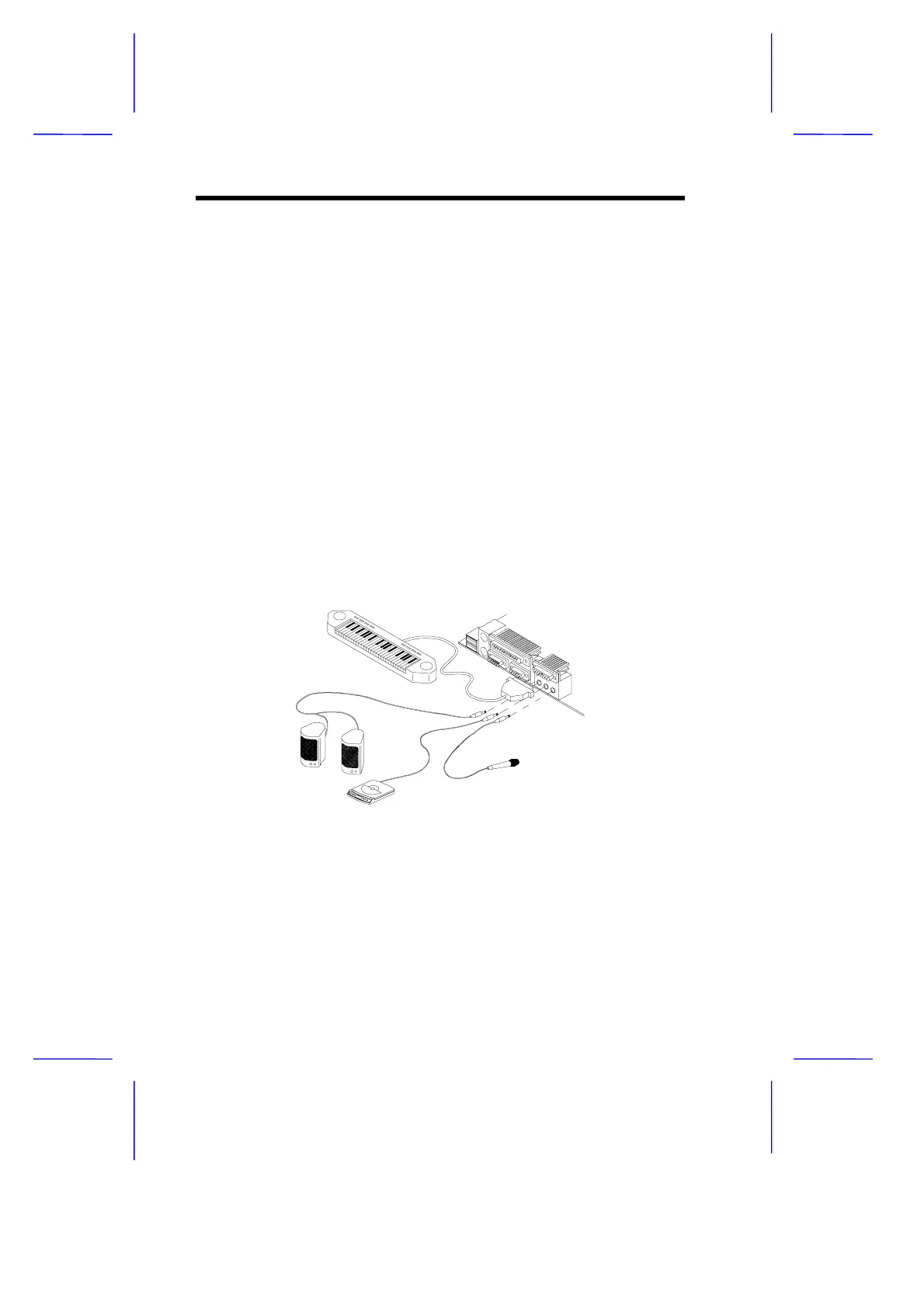
These connectors enable the system to accommodate external audio
devices. To connect an audio device, simply plug in the device’s
connector to its corresponding onboard audio port. See the following
figure:
Figure 8 Connecting External Audio Peripherals
Refer to Figure 1 or Figure 2 for the location of the audio connectors.
microphone
CD player (or synthesizer)
speakers
MIDI device



 To Next Page