12
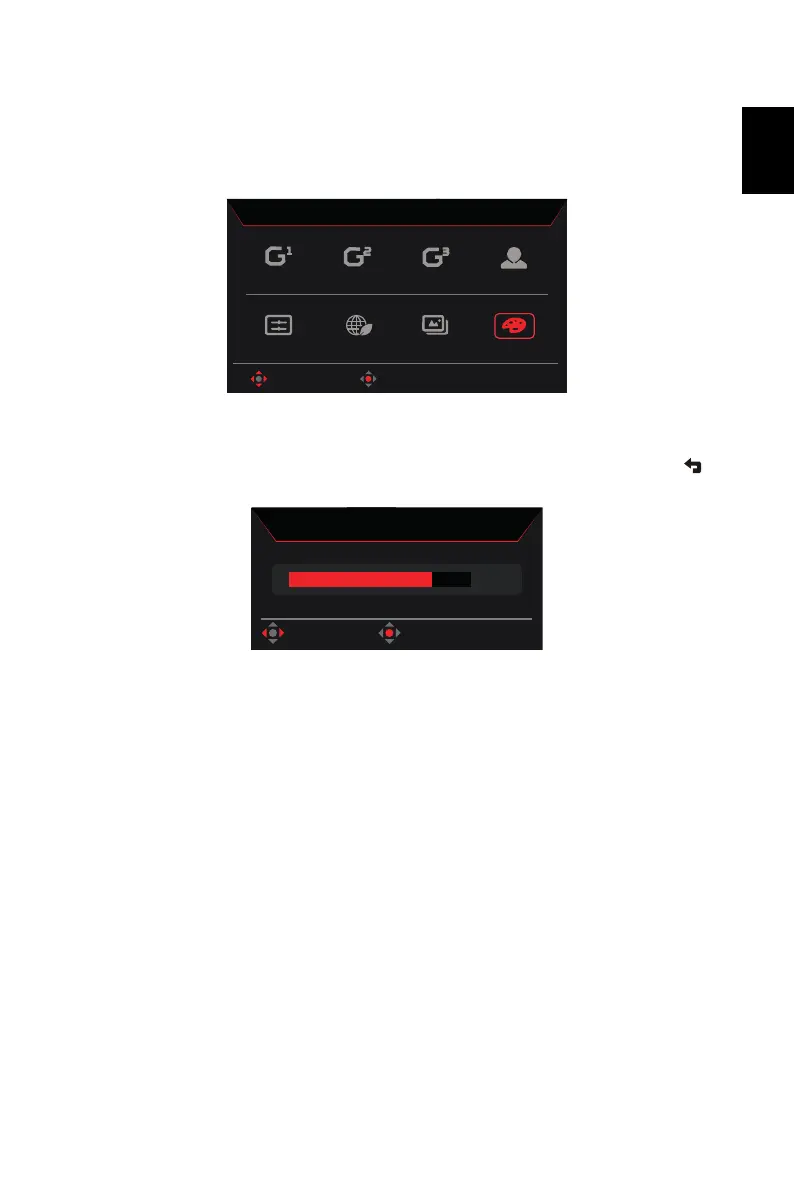
Hot key1 (default: Mode)
To choose scenario mode (G1, G2, G3) which user-defined profile to use or scenario mode
(User, Standard, ECO, Graphics, HDR).
Hot key2 (default: Brightness)
Open the Brightness control and select the brightness setting. When you are done, use to
go back one level.
Action
Racing
Sports
User
HDR
Graphics
ECO
Standard
OK
Move
Modes



 To Next Page