Gen II User Manual
22-26 – Analyzer Management Chapter 22 Revision 2.10, Apr 2020
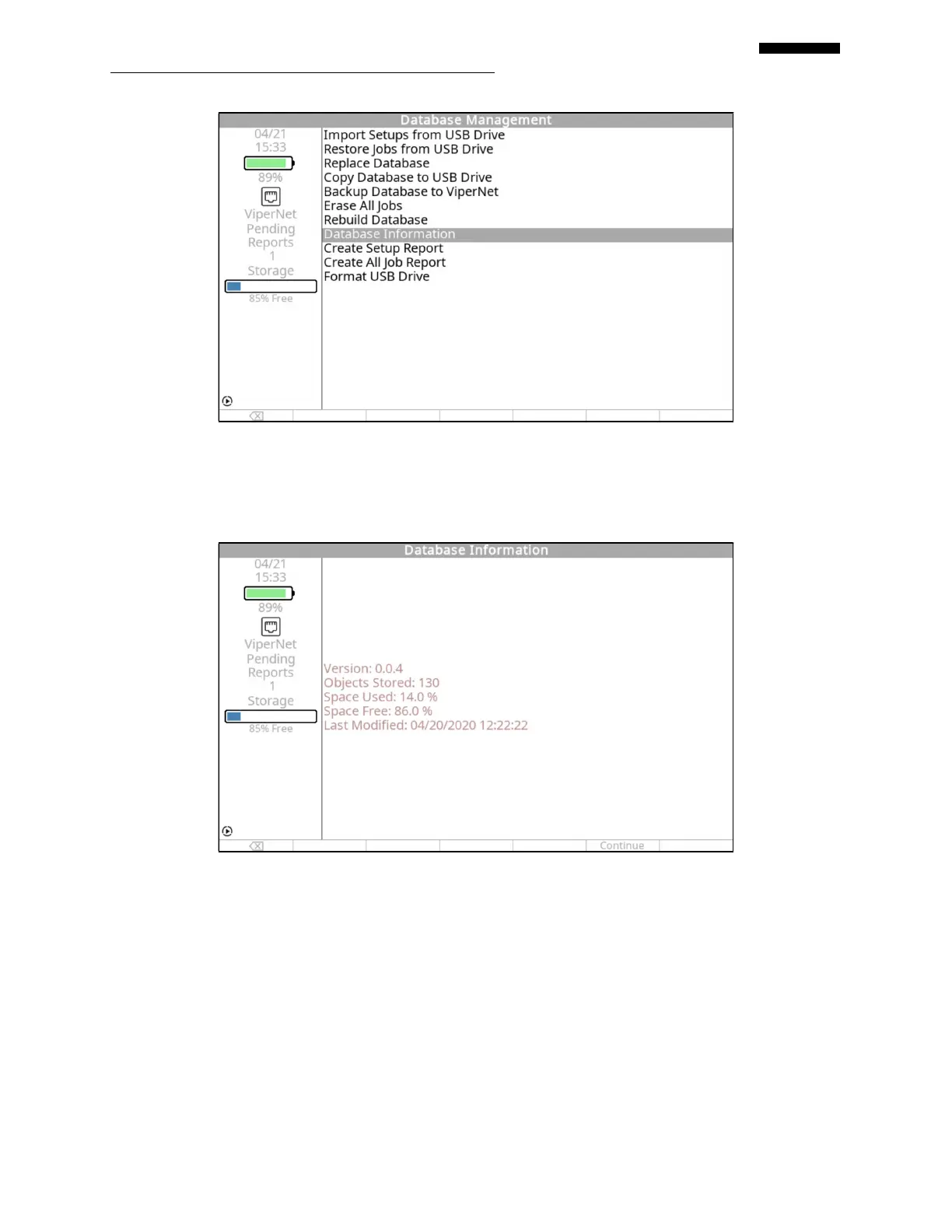
Highlight the menu item and press [OK] to display the information below. After you have
retrieved the necessary information, press the [F5] “Continue” key to return to the “Database
Management” menu.
22.6.6. – Create Setup Report
It is possible to generate a report which lists all of the setups stored in the analyzer, their lineage
(in the case of setups copied from a master) and their attributes. This is accomplished by
selecting the “Create Setup Report” menu item and pressing [OK].


 To Next Page