Gen II User Manual
22-29 – Analyzer Management Chapter 22 Revision 2.10, Apr 2020
22.6.7. – Create All Job Report
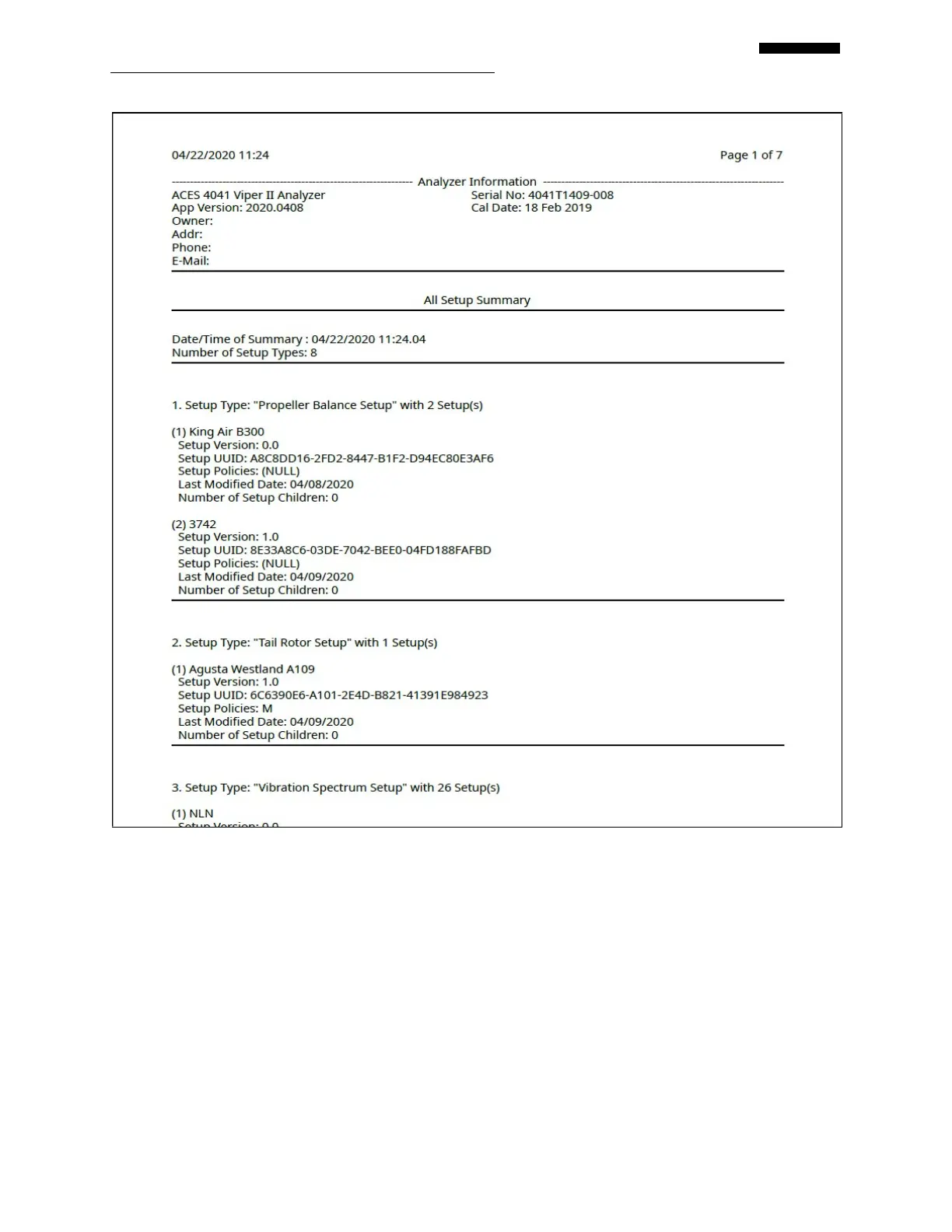
You can create a report that lists all job types stored in the analyzer by selecting the “Create All
Job Report” menu item. You may want to save a listing of all jobs and their status or Product
Support may ask you to create the report for troubleshooting. Select it and press [OK] to begin
the process of generating the report.



 To Next Page