15
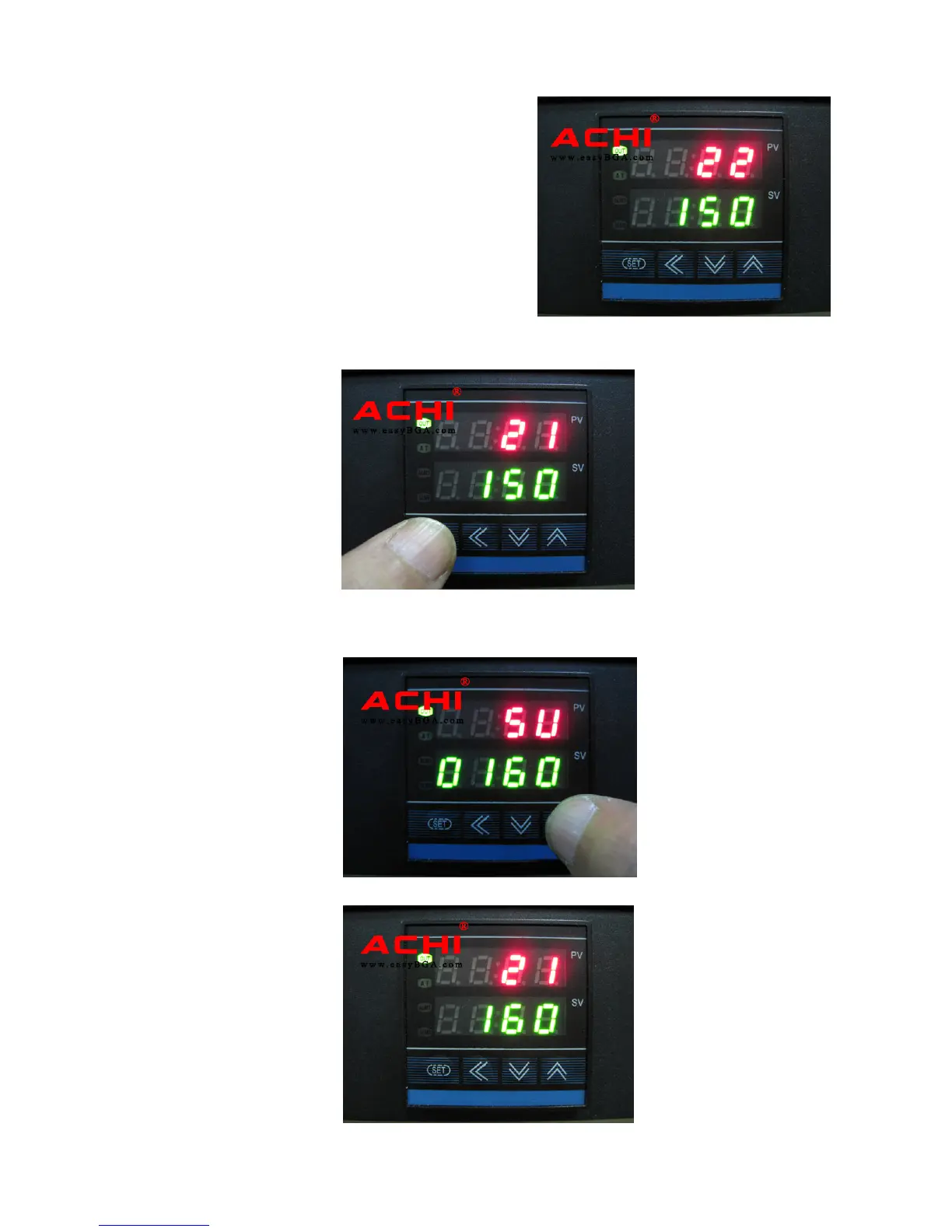
Set Bottom Temperature Controller
PV
Display window of actual temperature.
SV
Display window of setting temperature.
Press the SET button of Bottom temperature control instrumentation for 1
seconds,then the
PV window to show SU.
The
SV window to show current setting temperature, And the adjustable number
flashes. Press key
to adjust temperature,
Press key
to modify the
value
After the setted
Press the SET button for 1 seconds,save the current temp.


 To Next Page