17
2
Start heating
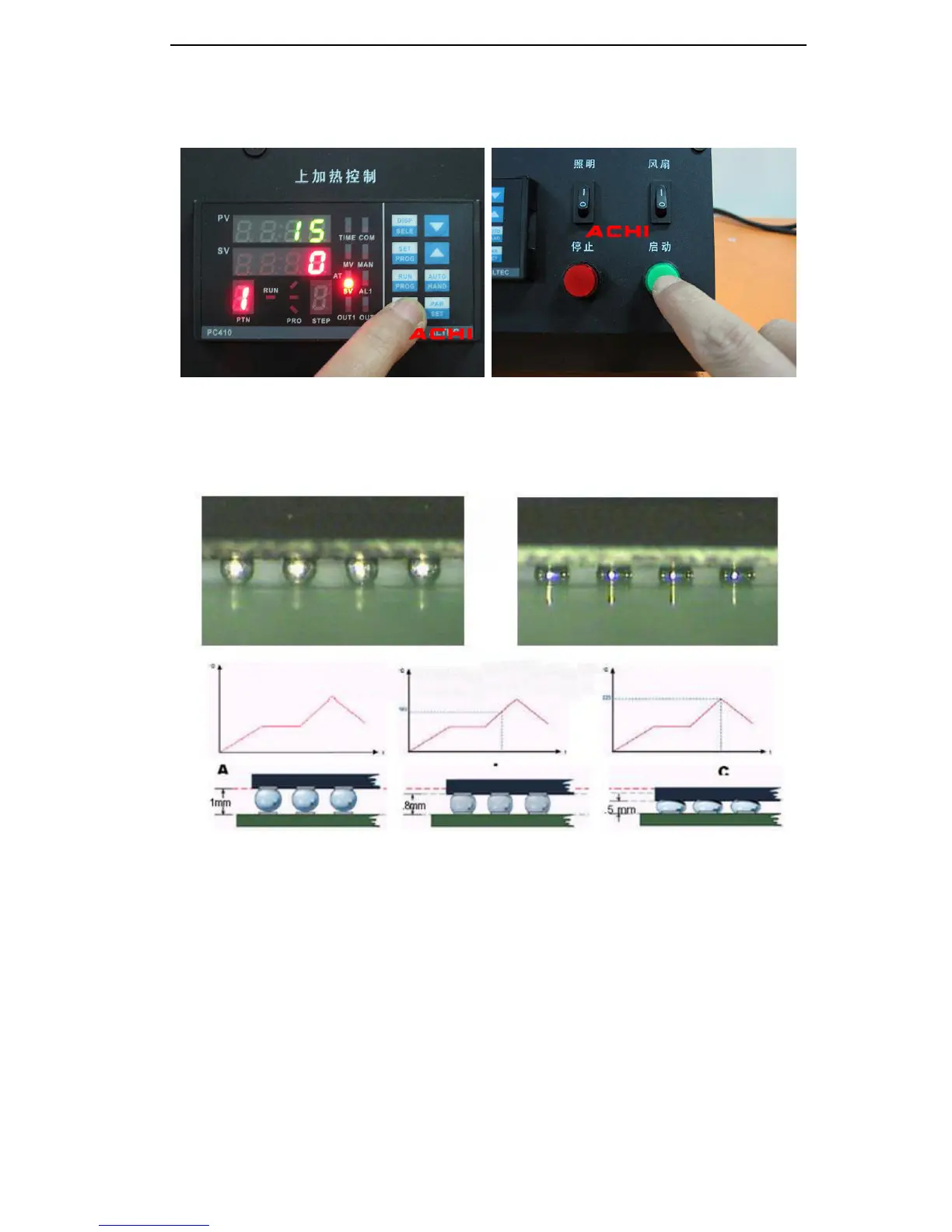
1 Select the appropriate temperature program segment, and then press the start switch.
In the operation can press the stop switch, stop operating.
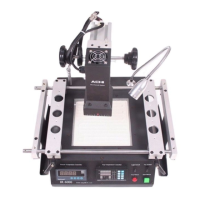
2After the program runs, automatic alarm
8 Seconds
, and automatically cut off the
heating power, this time you can check the following solder ball is completely
liquefied, BGA chips should be subject to settlement, floating state .
3
Rework completed
1
Moving Heating head and Sensor ,open the Upper fan Switch.
2
Remove motherboard
Clear insulating tape
3
BGA Rework Station Cooled ,Then close Total Power
Warning
If BGA Rework Station NO Cooling
Do not close the Total Power !
When the temperature is not cooled, do not touch heating module!


 To Next Page