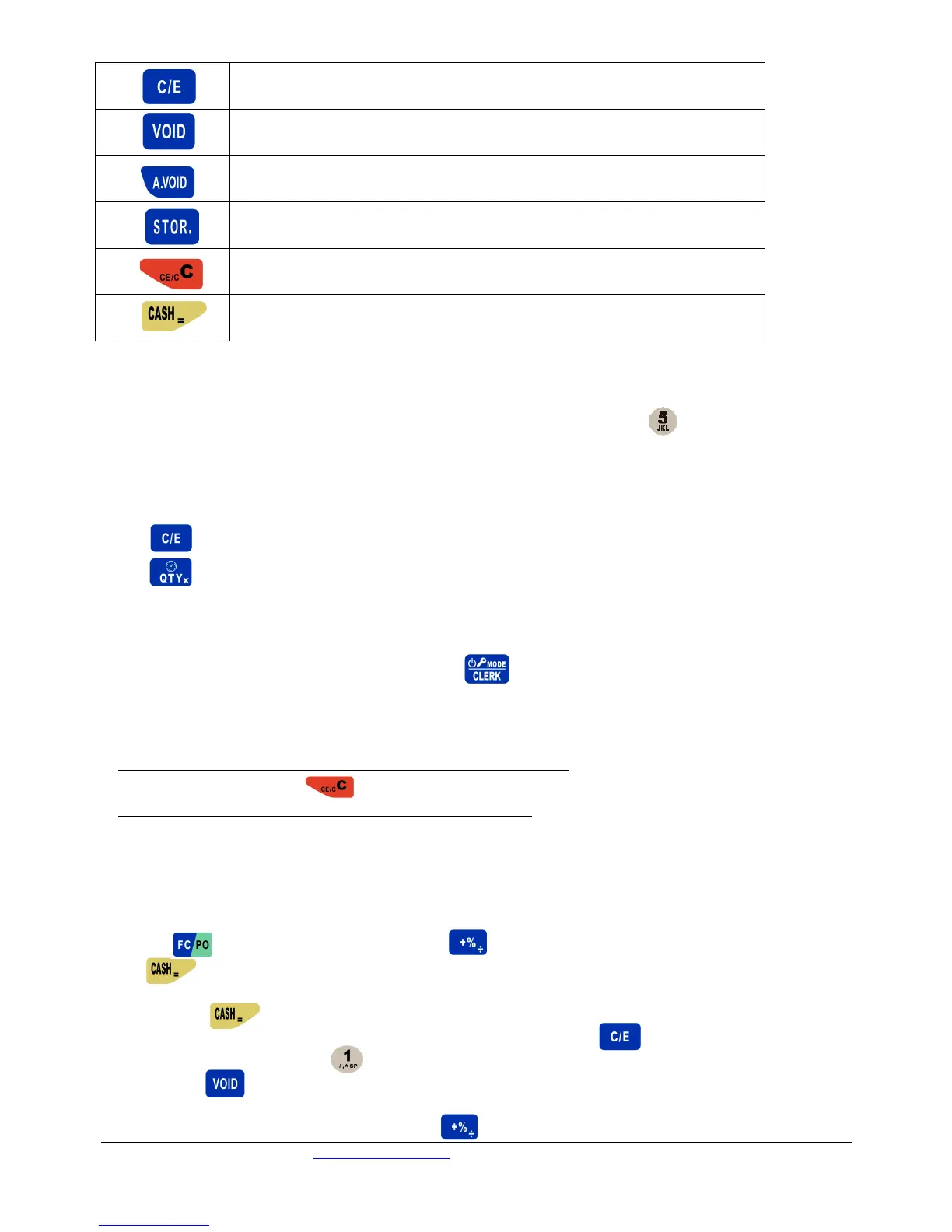
-Cancel all transactions, and recept.
-Use to store a bill before sales transaction is finalized, to recall at a later
time
-Cancel wrong operation and error state
-Use to finalise a transaction with cash
-Enter into some function settings
2 HOW TO INPUT CHARACTERS
Each numerical key is combined with English letters, for example, for the key , ‘J’ is the first character,
‘K’ is the second character, ‘L’ is the third character, and ‘5’ is the fourth character. If you want to input the
first letter in the character string, press the key once. If you want to input the second letter, press the key
twice, and so on.
Notes:
Press key to change between capital and lower-case letters.
Press key to double the width of the letters.
3 OPERATOR LOGIN/LOGOUT SYSTEM
To login, input clerk code (and password) then press
When you print the daily report in Z mode, the clerk will be logged out automatically.
Attention:
Any sales operation will cause an error when no clerk is logged in. The cash register will beep continuously
when error occurs. Press key to stop.
CLERK 1 is the manager and has access to all the functions.
4 SET UP OPERATION
4.1 Head/Tail Messages
4.1.1 Set Head Message
Press to enter function menu. Use the key to scroll to ‘SET HEAD MESSAGE’ item, and
press to enter this function.
After the system displays <HEAD MESSAGE INDEX (1~5)> info, input the line number that needs setting
and then press Eg. Line 1 = Name of Company, Line 2 = ABN, Line 3 = Phone number etc. Enter
new head message by using the number pad (see section 2). Use the key to switch between lower
case and capital letters. Use the key for spaces, by pressing it repeatedly five times. If you make a
mistake press to delete the last letter entered.
4.1.2 Set Tail Message
Similar to ‘Set Head Message’ except use the key to scroll to ‘SET TAIL MESSAGE’ item.


 To Next Page