5
3 Setting the Printer
3.1 Using the Printer
3.2 Connecting the Computer
(1) Power off the printer.
(2) Plug the communication cable securely into the printer, then attach the other end of the cable
to the computer.
(3) If the cable connector is shown as picture 6, tighten the two screws on both sides of the cable
connector after connecting.
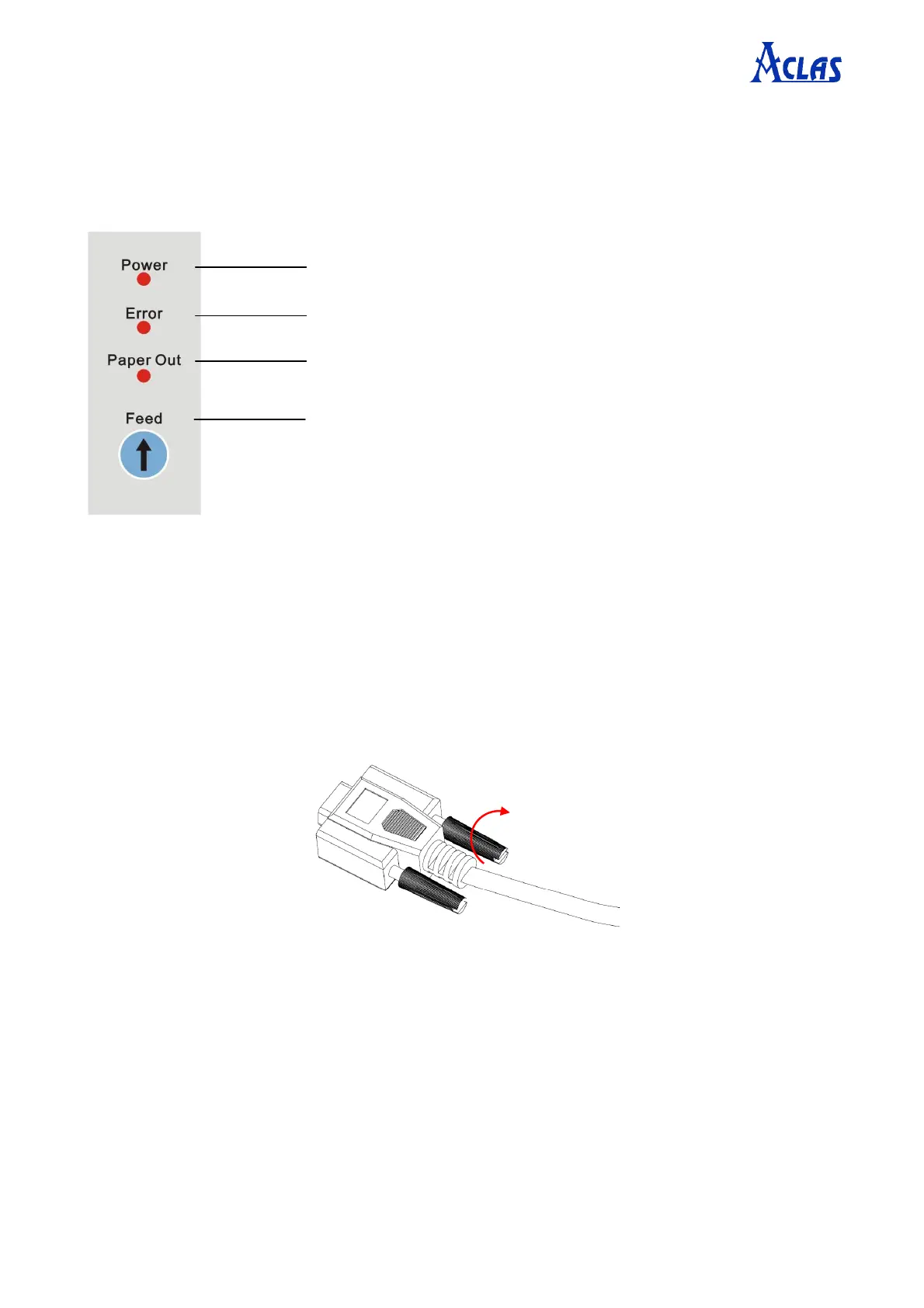
To prompt the paper is run out
Press the button once to advance paper once line. You can
also hold down the Feed button to feed paper continuously.


 To Next Page