9-
stored).
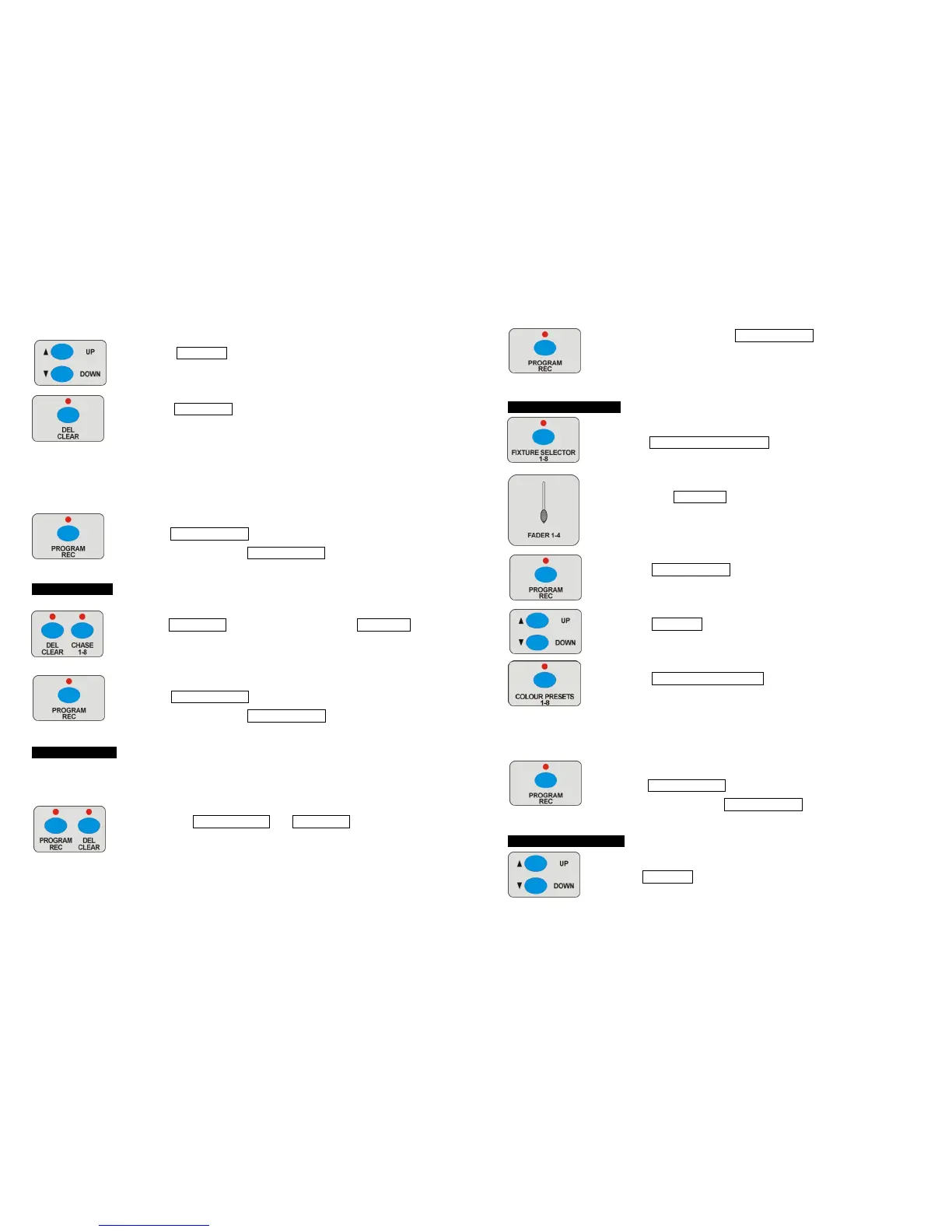
4 Press UP/DOWN button to choose the step desired to delete ( if
you want to delete the fifth step, set the present display to “ST05”).
5 Press DEL/CLEAR button, all LEDs blinking for 3 times
indicating deleted succeed. ( the steps behind it will move forward
one step, for example, if you delete the fifth step, the sixth step will
move to be the fifth step. If there is none step behind the step
deleted, It will show the last step. Delete all steps, then it will show
“NULL”.)
6 Repeat steps 4-6 to delete more steps.
7 Hold PROGRAM/REC button for 3 seconds to exit programming
mode, the LED above PROGRAM/REC button will be off.
4.6 Delete Chase
1 Enter programming mode.
2 Hold DEL/CLEAR button, and press one of the CHASE 1-8 button,
all LEDs blinking for 3 times, the opposite LED off indicating
deleted succeed.
3 Repeat steps 2-3 to delete more chases.
4 Hold PROGRAM/REC button for 3 seconds to exit programming
mode, the LED above PROGRAM/REC button will be off.
4.7 Factory Reset
Be careful, factory reset will delete all the settings!
1 Turn off the power.
2 Press the PROGRAN/REC and DEL/CLEAR button at the same
time, turn on the power, wait until all LEDs blinking, loose the
buttons, the LEDs stop blinking indicating factory reset succeed.
6-
Enter programming mode: hold PROGRAM/REC button for 3 seconds,
the LED above the button blinking indicating program in active.
4.1 Store Colour Preset
1 Enter programming mode.
2 Press FIXTURE SELECTOR 1-8 button to choose units.
3 Push fader FADER 1-4 to adjust the output.
4 Press PROGRAM/REC button.
5 Press UP/DOWN button to choose bank 1-4 to store colour preset
(jump this step if you chose a bank before).
6 Press COLOUR PRESETS 1-8 button, all LED blinking for 3
times, the corresponding LED blinking indicating store succeed
(when the LED indicator off, means there is null colour preset,
when the LED indicator blinking means one colours preset is
stored).
7 Repeat steps 2-6 to store more colour presets.
8 Hold PROGRAM/REC button for 3 seconds to exit programming
mode, the LED above PROGRAM/REC button will be off.
4.2 Delete Colour preset
1 Enter programming mode.
2 Use UP/DOWN button to choose bank 1-4 to store colour preset
(jump this step if you have choose bank before).












 To Next Page