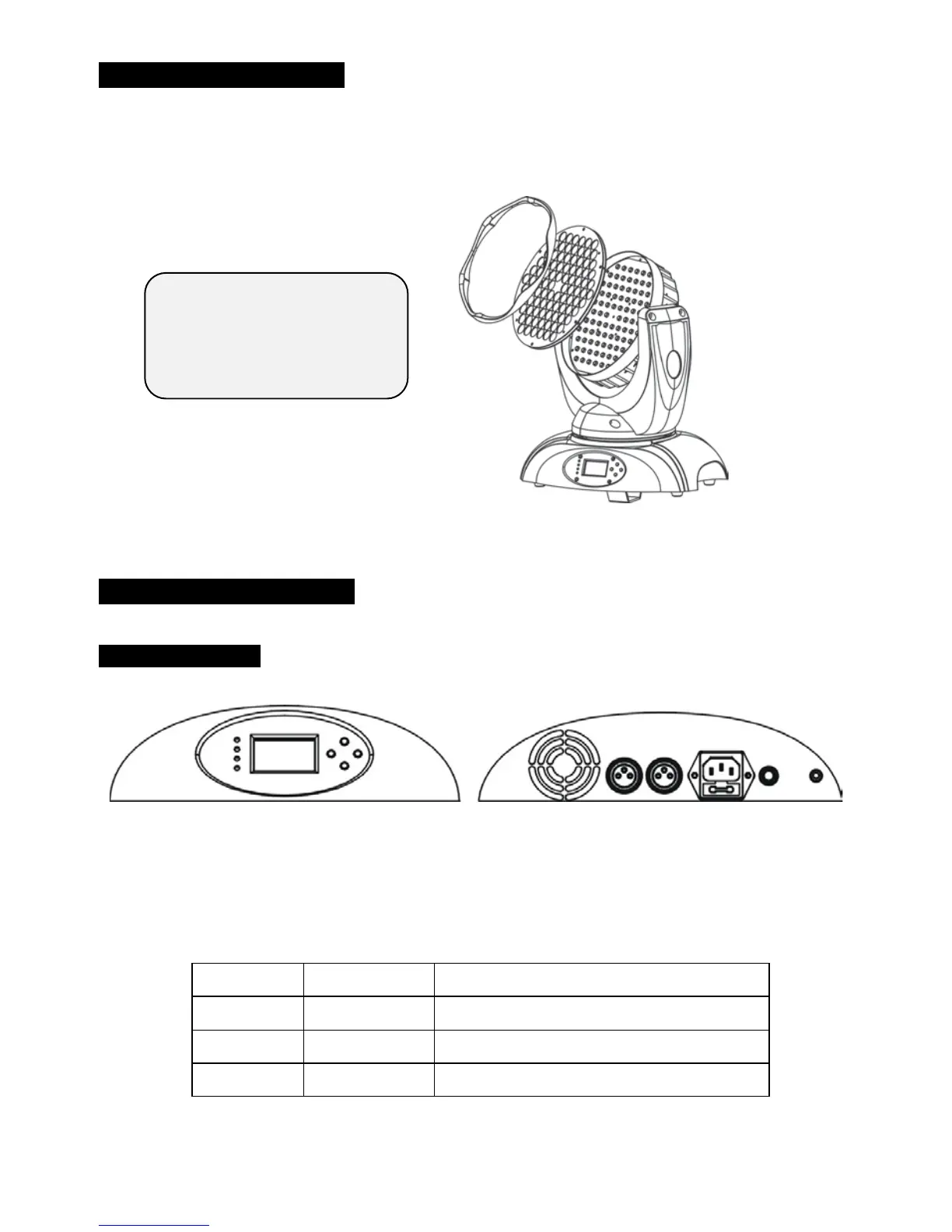
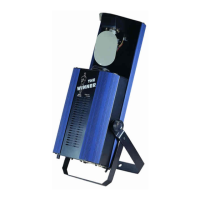
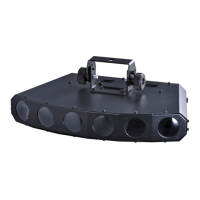
3. Change Beam Angle
If you want to change the beam angle of the fixture, you can change lens of the
fixture refer to the photo below:
4. How To Set The Unit
4.1 Control Panel
Display
To show the various menus and the selected functions
LED
DMX On DMX input present
MASTER On Master Mode
SLAVE On Slave Mode
SOUND Flashing Sound activation
Turn off the mains power
first, or high voltage may
cause electric shock!
4A


 To Next Page