- 41 -
6.2 Address Setting
If you use a universal DMX controller to control the units, you have to set DMX address
between 1 and 512 so that the units can receive DMX signal.
Press the MENU button to access the control menus, select DMX Settings, press the ENTER
button to confirm. Use the UP/DOWN button to select Port A/B Address, press the ENTER
button to confirm, the present address will show on the display. Use the UP/DOWN button
to adjust the address between 001 and 512, press the ENTER button to store. To exit the
menu, press MENU, or wait 30 seconds.
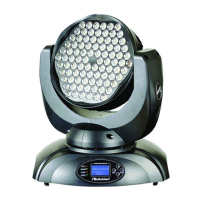
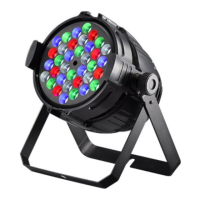
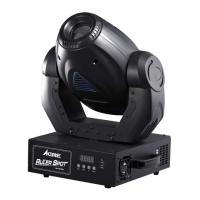
Please refer to the following diagram to address your DMX512 channel for the first 4 units.
8+100 channels
(Controlled by DMX)
8+100 channels
(Controlled by Art-Net)
8+160 channels
(Controlled by DMX)
8+160 channels
(Controlled by Art-Net)









 To Next Page