12
GB
USB Connection
Device connected to PC
The device can be connected to PC to make data exchange via USB cable. Please note not to
disconnect the device from the PC when data exchanging.
Data exchanging (Files copy & delete)
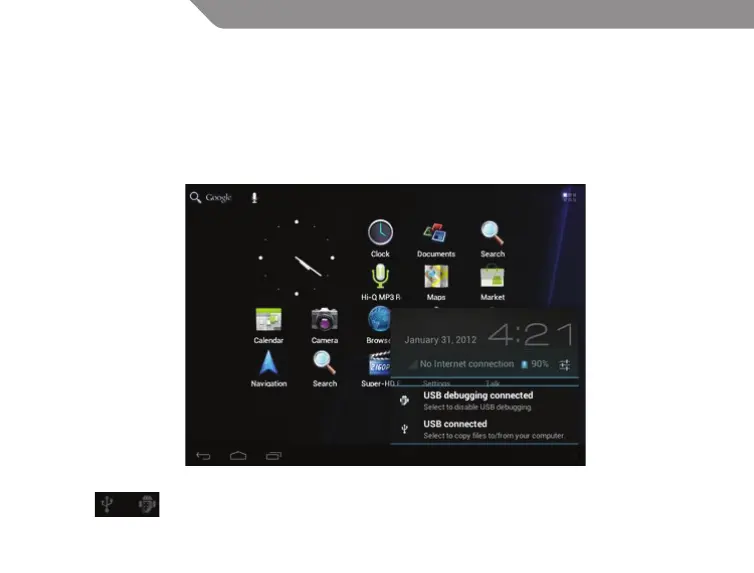
Click to choose USB connection.
Choose “USB connected”, then “Turn on USB storage” to copy les to/from your computer.


 To Next Page