9
GB
Basic Operation
To turn ON/OFF the device
Long press (1.2s) POWER button to turn on the device.
Long press POWER button and choose “Power o” to turn o the device
Device Standby and Wakeup
Short press (0.3s) POWER button, then the device turns to Standby mode and screen will be o.
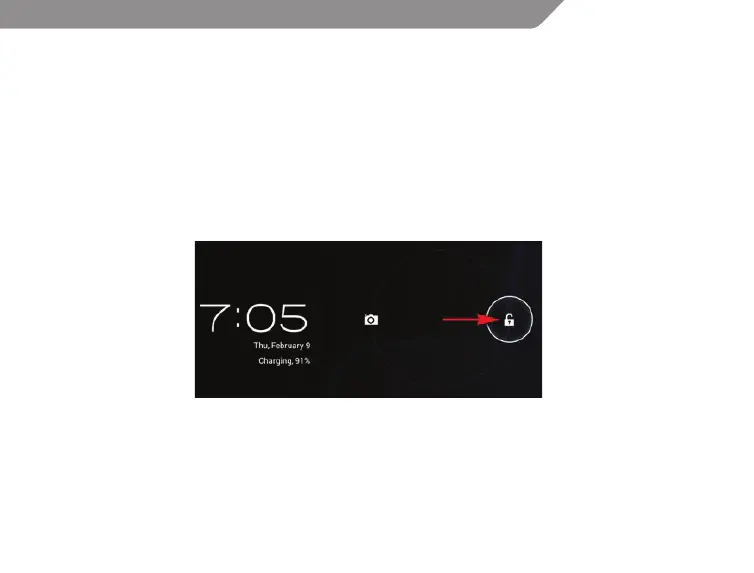
Short press POWER button again to awake the device, press lock icon and move it out of the circle,
the screen will unlock.
Reset the device
When the device is halted and cannot be turned o by POWER button, users can launch the RESET
function.
Charging
When the device cannot be turned on normally or shut down automatically, it may need charging.
Please use the correct charger as recommended by the manufacturer.



 To Next Page